How to Integrate Paperarchive into Your Daily Workflow
Introducing new software is easy - making it a daily habit is the real challenge. This article shows concretely how to embed Paperarchive into your routine so documents are captured effortlessly, found instantly, and never lost.
The three entry points for documents
Before building a workflow, understand the ways documents reach you:
- Physical mail: Letters, invoices, official notices
- Email: PDF invoices, contract attachments, confirmations
- Direct downloads: Bank statements, tax notices from online portals
You need a clear routine for each of these.
Workflow 1: Physical mail
The daily scan moment
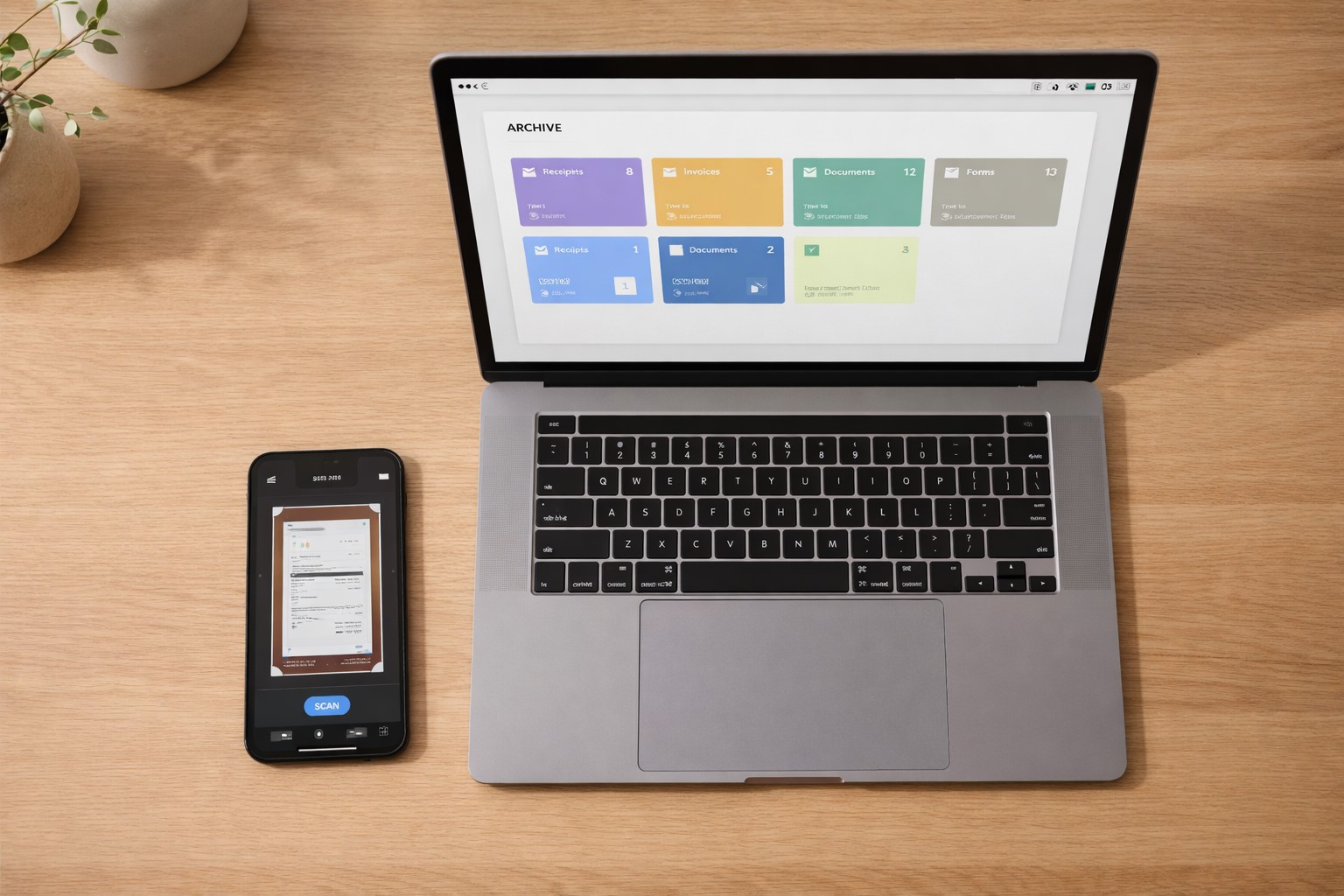
Pick a fixed time - for example, right after opening the mail or every evening after work. Scan all incoming documents before they join a pile. With the Paperarchive app on your smartphone, each document takes under 30 seconds.
After scanning
Paperarchive automatically recognizes the document type, extracts date and sender, and suggests a category. You don't need to do anything further - except confirm or correct the category if needed. You can then either file the original or (once the retention period has passed) shred it.
Workflow 2: Email documents
Set up email forwarding
Paperarchive provides you with a personal email address. Documents you receive by email can be forwarded directly to this address - they land automatically in your archive and are processed by the AI.
Automatic rules in your email client
Even more efficient: set up filters in Gmail, Outlook, or Apple Mail that automatically forward emails from your bank, landlord, or recurring suppliers to the Paperarchive address. Once configured, this runs fully automatically.
Workflow 3: Downloads from online portals
Bank statements, tax notices, and payslips are downloaded as PDFs from the respective portal. Set up a folder on your computer (e.g. "Paperarchive Inbox") where you put all downloads. With the desktop app or browser plugin, Paperarchive automatically uploads and processes these.
The weekly review: 10 minutes is enough
Even with the best workflow, documents occasionally accumulate in the inbox that haven't been finally categorized. A short weekly review of 10 minutes is enough to:
- Confirm pending categorizations
- Tag important documents
- Clear the "Needs Review" list
Search instead of browse
The biggest advantage of a well-maintained system shows when you need something. Instead of rummaging through folders, just type a search term in Paperarchive - "car insurance 2024", "lease", "Adobe invoice" - and you have the document in seconds.
Tips for lasting success
- Perfection is the enemy of good: A document in the wrong category is better than not digitized at all
- Clean up once, then maintain: Digitize the backlog completely once, after that routine upkeep is enough
- Keep categories simple: Too many categories make the system more complicated than necessary - 8-12 main categories cover most needs
- Use notifications: Paperarchive can alert you when a document is waiting for review
Get started now
The best time to build a working system is today. Create your free Paperarchive account and set up your workflow in less than 15 minutes.
Related Articles
How to Set Up a Document Management System in 2026
Stop drowning in paperwork. Learn how to set up a paperless office step-by-step with AI document categorization - perfect for freelancers and busy families.
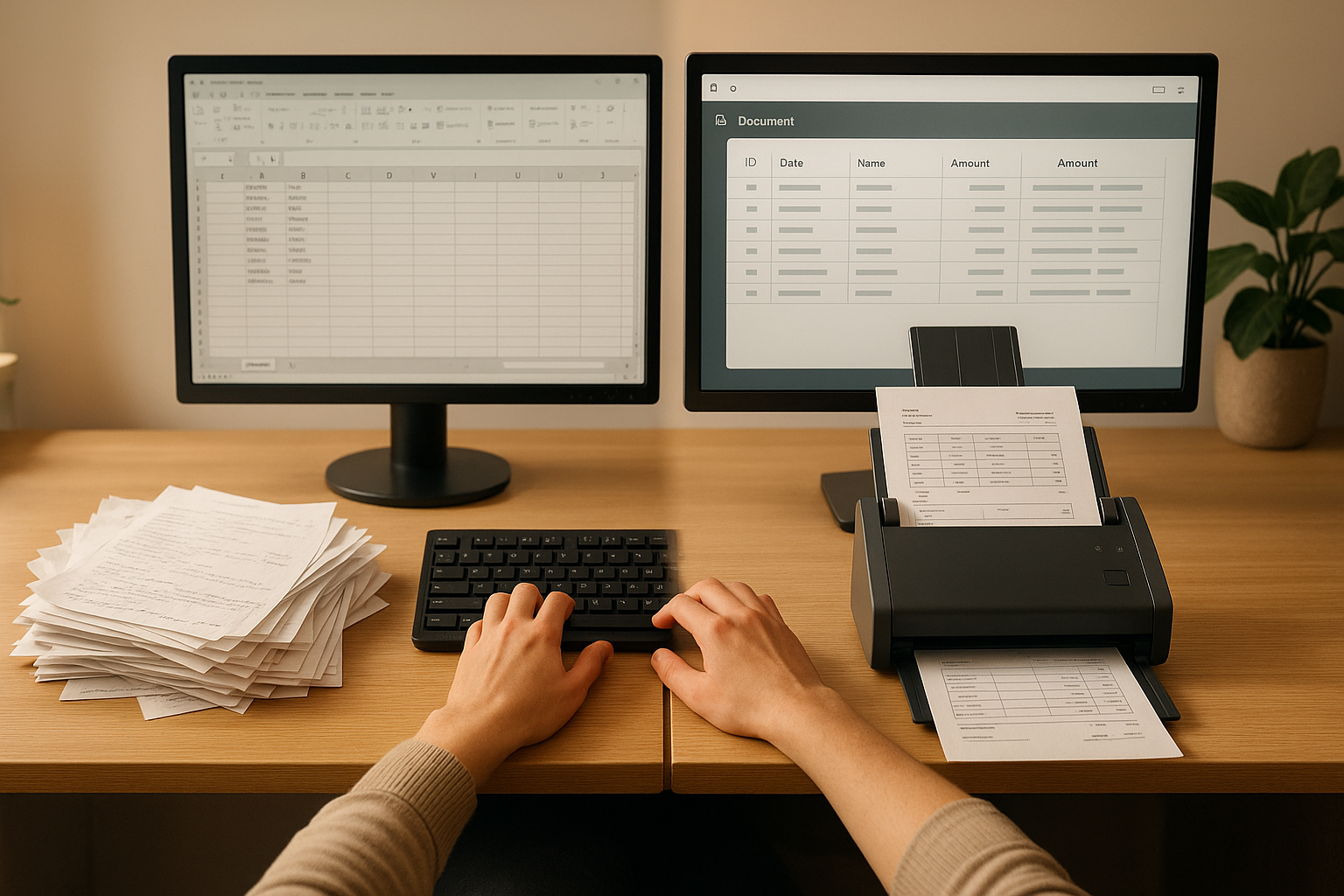
OCR vs Manual Data Entry: Which Saves More Time?
Compare OCR technology and manual data entry to discover which method saves more time and reduces errors in document processing.
How to Go Paperless at Home: A Step-by-Step Guide
A practical guide to setting up a paperless home - from your first scan to a fully searchable digital archive.