OCR vs Manual Data Entry: Which Saves More Time?
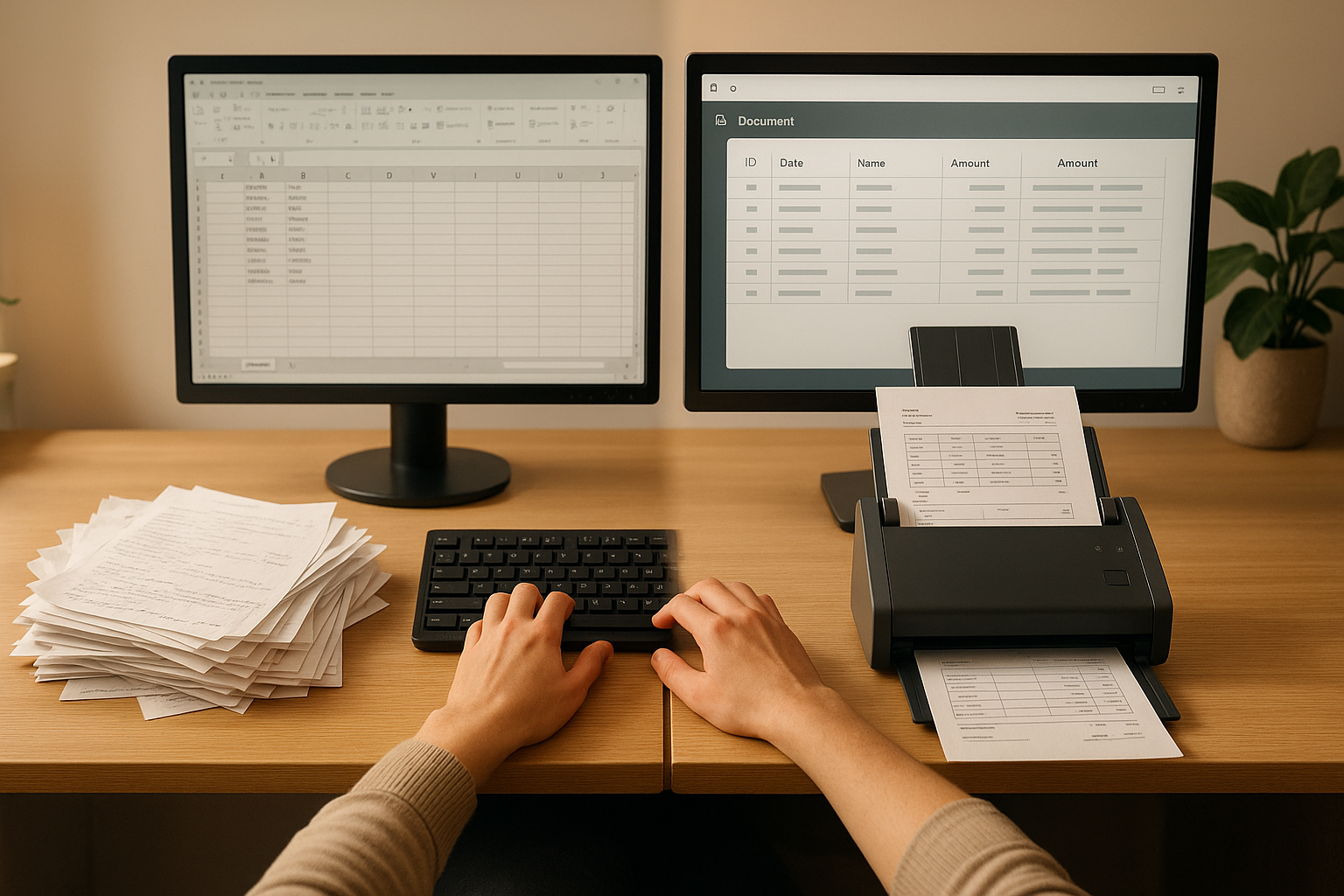
In today's digital workplace, businesses face a critical decision: should they invest in OCR (Optical Character Recognition) technology or stick with traditional manual data entry? The answer can significantly impact productivity, costs, and accuracy.
Understanding the Two Approaches
What is OCR Technology?
OCR technology uses advanced algorithms and machine learning to automatically extract text from scanned documents, images, and PDFs. Modern OCR systems can recognize handwriting, multiple languages, and even complex document layouts with impressive accuracy.
What is Manual Data Entry?
Manual data entry involves human workers typing information from physical or digital documents into computer systems. While this method has been the standard for decades, it comes with inherent limitations in speed and consistency.
Time Comparison: The Numbers Don't Lie
Speed Analysis
Studies show that OCR technology can process documents 10-50 times faster than manual data entry, depending on document complexity:
- OCR Processing: 1,000-3,000 characters per minute
- Manual Entry: 60-80 words per minute (approximately 300-400 characters per minute)
- Time Saved: Up to 95% reduction in processing time for large document volumes
Real-World Scenario
Consider a company processing 100 invoices daily:
- Manual Entry: 5 minutes per invoice = 500 minutes (8.3 hours) daily
- OCR Processing: 30 seconds per invoice = 50 minutes daily
- Result: 450 minutes (7.5 hours) saved every day
Accuracy: Quality Matters
Error Rates
Accuracy is just as important as speed when it comes to data processing:
- Manual Entry Error Rate: 1-4% (industry average)
- Modern OCR Error Rate: 0.5-2% (with proper training and validation)
- OCR with AI Verification: Less than 0.5% error rate
The Cost of Errors
Data entry errors can lead to:
- Financial discrepancies and accounting problems
- Customer service issues and complaints
- Compliance violations and legal risks
- Time spent on corrections and reconciliation
Cost Analysis: Beyond the Obvious
Initial Investment
While OCR solutions require upfront investment, the ROI typically becomes positive within months:
- OCR Software: €50-500 per month (depending on volume and features)
- Manual Entry Staff: €2,500-4,000 per month per full-time employee
Hidden Costs of Manual Entry
- Training and onboarding new staff
- Employee turnover and recruitment
- Error correction and quality control
- Supervision and management overhead
- Physical workspace and equipment
When OCR Shines Brightest
Ideal Use Cases for OCR
- High-volume processing: Processing hundreds or thousands of documents regularly
- Standardized documents: Invoices, receipts, forms with consistent layouts
- Time-sensitive operations: When quick turnaround is critical
- Repetitive tasks: Same document types processed repeatedly
- Scalability needs: Growing businesses with increasing document volumes
Advanced OCR Capabilities
Modern OCR systems offer features that manual entry simply cannot match:
- Batch processing: Process multiple documents simultaneously
- Automatic classification: Sort documents by type automatically
- Data validation: Built-in checks against databases and rules
- Multi-language support: Process documents in multiple languages
- Integration capabilities: Direct connection to accounting, ERP, and CRM systems
When Manual Entry Still Makes Sense
Despite OCR's advantages, manual entry may be preferable in certain situations:
- Very low volume: Processing fewer than 10 documents per day
- Highly variable documents: Completely unique layouts every time
- Complex judgment required: Decisions beyond simple data extraction
- Poor source quality: Severely damaged or illegible documents
- Extreme accuracy requirements: Where human verification is mandatory
The Hybrid Approach: Best of Both Worlds
Many organizations find success with a hybrid model:
- OCR for initial processing: Let technology handle the bulk of data extraction
- Confidence scoring: OCR systems flag low-confidence extractions
- Human verification: Staff review only flagged items
- Continuous improvement: System learns from human corrections
This approach combines the speed of OCR with human oversight, achieving both efficiency and accuracy. Extraction only pays off if you can retrieve the result afterwards, which is a separate decision from how you capture it: folders, tags or search each make that retrieval feel very different.
Measuring ROI: Calculate Your Savings
Key Metrics to Track
- Processing time: Minutes per document before and after OCR
- Labor costs: Hours saved multiplied by hourly rate
- Error reduction: Cost of errors avoided
- Throughput increase: Additional documents processed in same timeframe
- Customer satisfaction: Faster response times and fewer errors
ROI Calculation Example
For a company processing 2,000 invoices monthly:
- Manual processing cost: 2,000 invoices × 5 minutes × €0.50/minute = €5,000/month
- OCR cost: €200/month subscription + 2,000 invoices × 0.5 minutes × €0.50/minute = €700/month
- Monthly savings: €4,300
- Annual savings: €51,600
Implementation Best Practices
Transitioning to OCR Successfully
- Start with a pilot: Test OCR on one document type or department
- Choose the right solution: Match features to your specific needs
- Train your system: Invest time in initial setup and training
- Monitor performance: Track accuracy and speed metrics
- Iterate and improve: Continuously refine based on results
- Train your team: Ensure staff understand how to work with the system
The Future of Document Processing
OCR technology continues to evolve rapidly:
- AI integration: Machine learning improves accuracy over time
- Cloud processing: Scalable solutions without infrastructure investment
- Mobile OCR: Process documents anywhere with smartphone apps
- Real-time processing: Instant extraction and validation
- Natural language understanding: Contextual data extraction beyond simple text recognition
Conclusion: Which Saves More Time?
For most businesses processing more than a handful of documents daily, OCR technology significantly outperforms manual data entry in both time savings and accuracy. The technology typically saves 80-95% of processing time while reducing errors and costs.
However, the optimal solution depends on your specific situation:
- Choose OCR if: You process high volumes, need speed, want to scale, or handle standardized documents
- Consider manual entry if: Volumes are very low, documents are highly variable, or extreme customization is needed
- Use a hybrid approach if: You want the best of both worlds with OCR handling bulk processing and humans verifying edge cases
The question isn't whether OCR saves time - it clearly does. The real question is: can your business afford not to automate in an increasingly digital world?
Ready to Experience the Time Savings?
Try Paperarchive with a 30-day free trial and see how OCR can transform your document processing workflow. Experience unlimited documents and the difference automated data extraction can make.
Related Articles
How to Set Up a Document Management System in 2026
Stop drowning in paperwork. Learn how to set up a paperless office step-by-step with AI document categorization - perfect for freelancers and busy families.
How to Go Paperless at Home: A Step-by-Step Guide
A practical guide to setting up a paperless home - from your first scan to a fully searchable digital archive.
How to Integrate Paperarchive into Your Daily Workflow
Practical tips for making Paperarchive part of your daily routine - from email forwarding to automatic categorization.