How to Go Paperless at Home: A Step-by-Step Guide
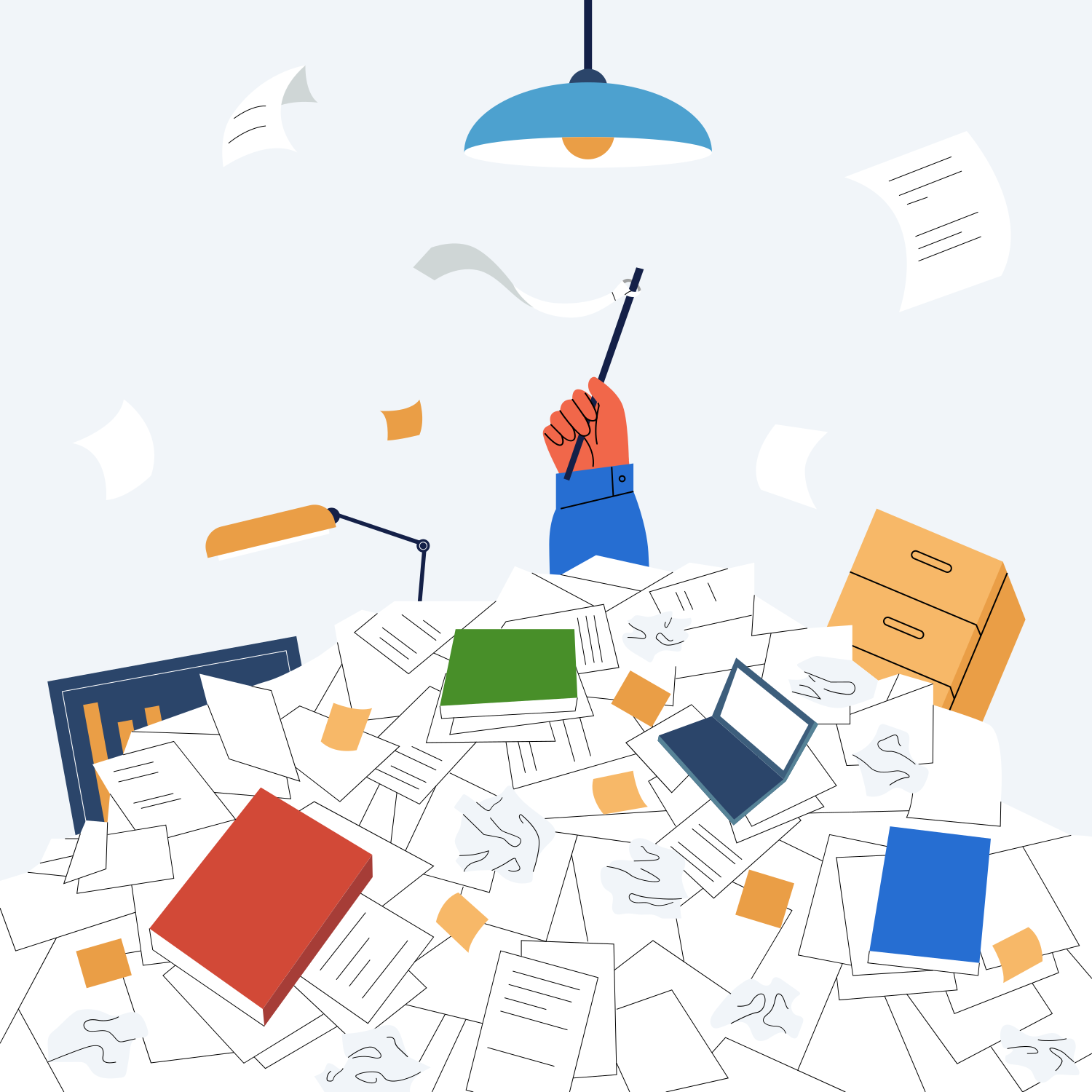
Towering paper stacks on the desk, shelves full of binders, hours spent searching for a single document - most people know the feeling. Switching to a paperless home sounds daunting, but with the right system it is surprisingly straightforward. This guide walks you through it step by step.
Why go paperless?
Before getting into the how, a quick look at the benefits:
- Find documents instantly: Full-text search instead of manually browsing folders
- Nothing gets lost: Digital documents don't disappear, burn, or get wet
- Access from anywhere: Insurance policy at the doctor, lease at the notary - available whenever you need it
- Less physical space: No binders filling up shelves
- Easy sharing: Send documents by email instead of making copies
Step 1: Get the right hardware
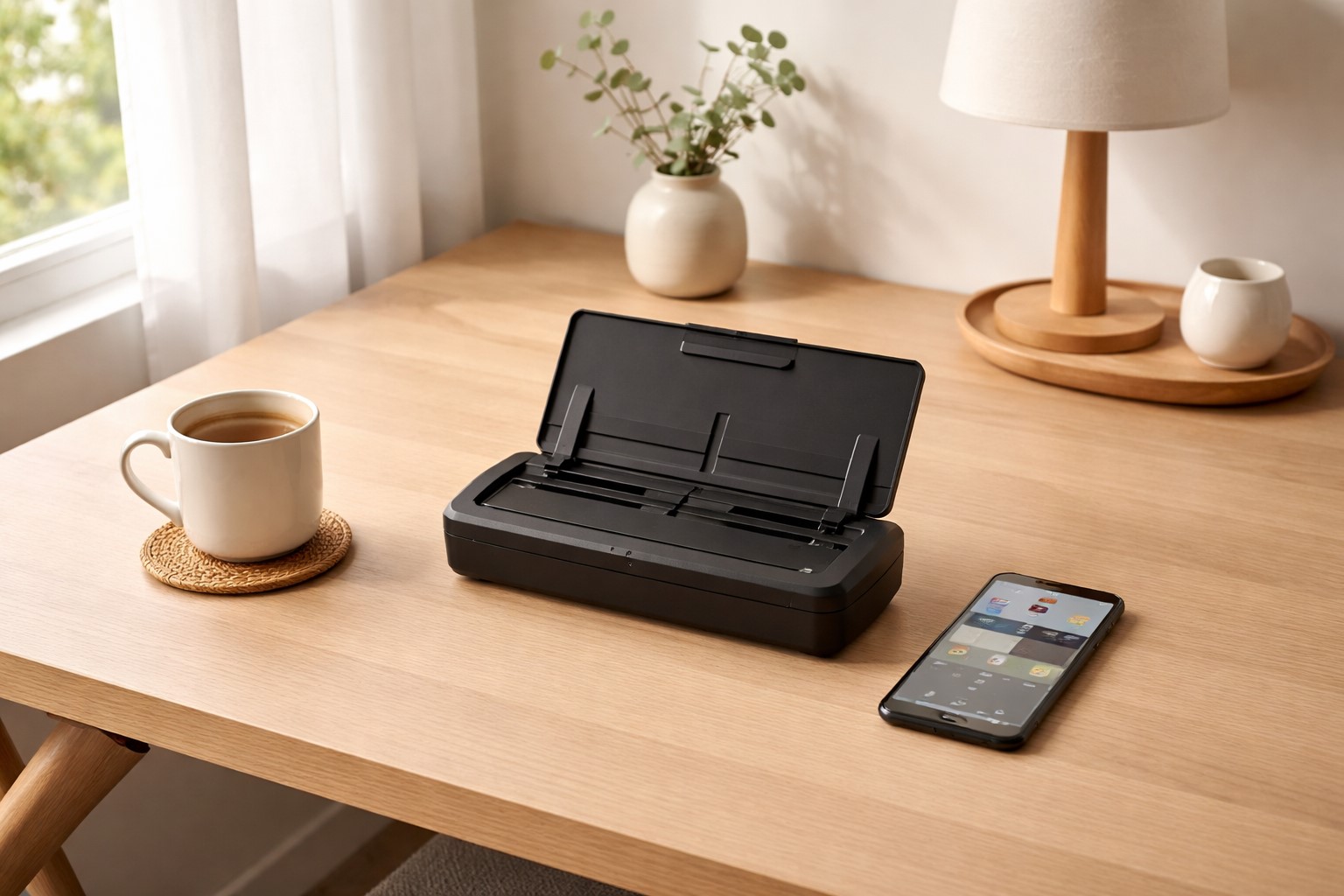
You don't need much equipment to go paperless. The most important decision is choosing a scanner.
Dedicated scanner vs. smartphone
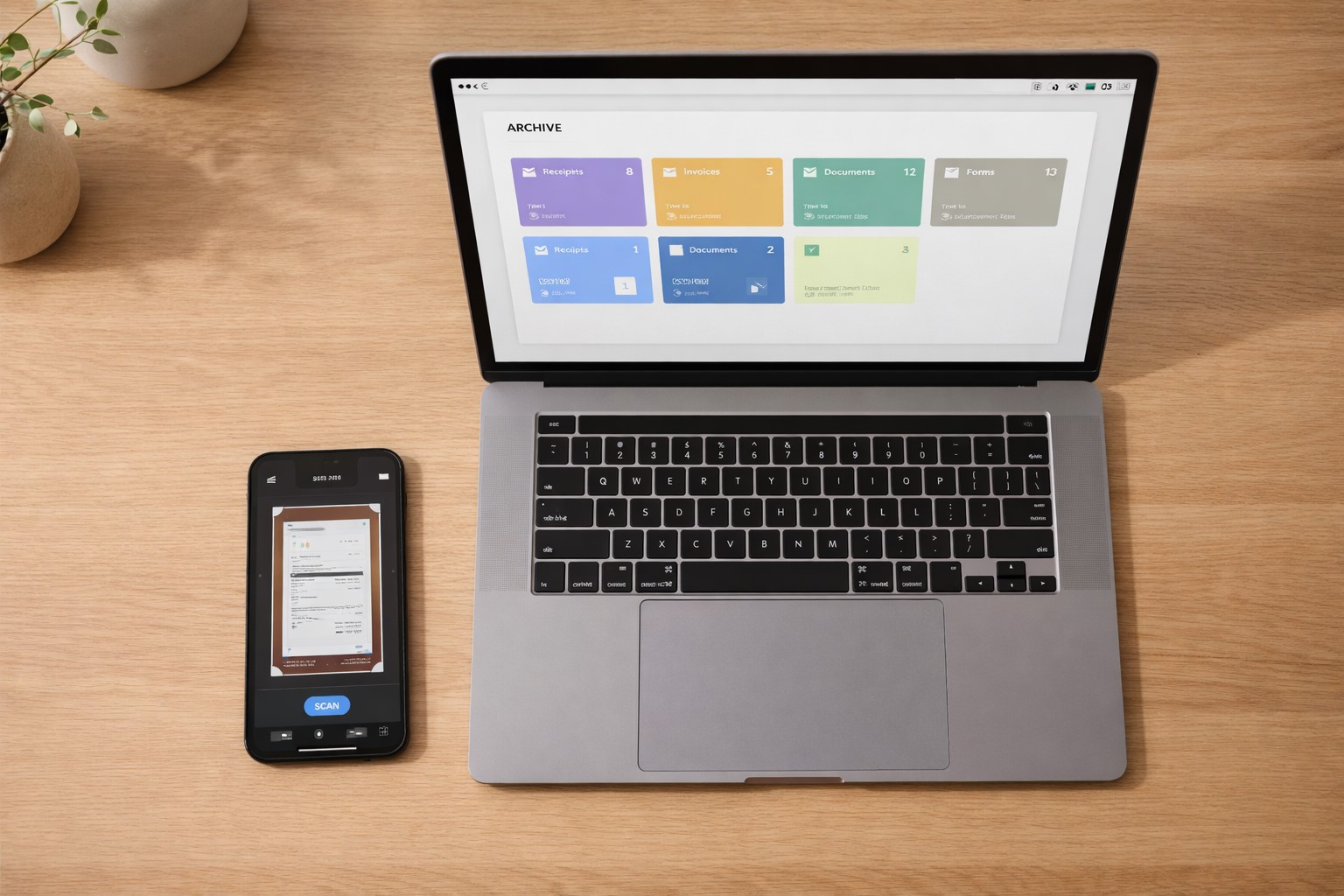
A dedicated document scanner like the Fujitsu ScanSnap or Brother ADS series scans quickly, reliably, and produces sharp PDFs - ideal for larger volumes. If you scan infrequently, a good scanner app on your smartphone (Adobe Scan, Microsoft Lens) handles everyday needs just fine.
What you need:
- Scanner or smartphone with scanner app
- Sufficient cloud storage (or local backup)
- A good document management app
Step 2: Work through the backlog
Many people give up at the thought of scanning hundreds of pages. A pragmatic strategy helps here.
Only digitize what matters
Not everything needs to be scanned. Use legal retention periods as a guide: documents with no remaining relevance and whose retention period has expired can go straight to the shredder. What remains, you scan in order.
Starting categories:
- Contracts (lease, insurance, employment)
- Tax documents (tax returns, receipts)
- Health (medical letters, prescriptions, vaccination records)
- Finance (bank statements, loan documents)
- Warranties and invoices
Step 3: Set up a system for incoming documents
Going paperless only works long-term if new documents are captured digitally right away - otherwise the paper pile grows back.
The inbox method
Define a fixed holding spot for incoming mail - physically (a tray) and digitally (an inbox folder). Once a day or once a week (depending on volume), scan everything and process it.
Prefer digital sources
Many invoices, bank statements, and notices now arrive digitally. Enable e-invoicing and digital statements at your bank, insurers, and online shops - this eliminates paper at the source.
Step 4: Use automatic recognition and filing
Manually naming and sorting every document takes time and is the most common reason systems fail. With software like Paperarchive, AI handles this automatically:
- Automatic text recognition (OCR): Document content becomes readable and searchable
- Automatic categorization: Invoices, contracts, and official letters are automatically recognized and sorted
- Metadata extraction: Date, amount, and sender are read directly from the document
- Full-text search: Instead of browsing folders, just type a search term
Step 5: Backup and security
Digital documents are only as safe as their backup. Follow the 3-2-1 rule:
- 3 copies of your data
- 2 different media (e.g., hard drive + cloud)
- 1 copy off-site (cloud backup)
With cloud services like Paperarchive, this is handled automatically - your documents are stored securely and encrypted.
If you want to understand why folders fail and what search instead of structure means before you set anything up, read the basics page on organizing documents without folders.
Common questions
Can I discard originals after scanning?
For personal documents there is generally no legal obligation to keep originals. Exceptions include notarized documents, passports, and similar - these should always be kept as originals. For tax documents of the self-employed, the applicable legal retention periods apply.
How secure are my documents in the cloud?
Reputable cloud services encrypt documents using current standards. What matters: choose a provider that complies with applicable data protection law, and use strong passwords and two-factor authentication.
Ready to start?
Get started with Paperarchive and set up your paperless home. The AI handles the work - you just need to scan.
Related Articles
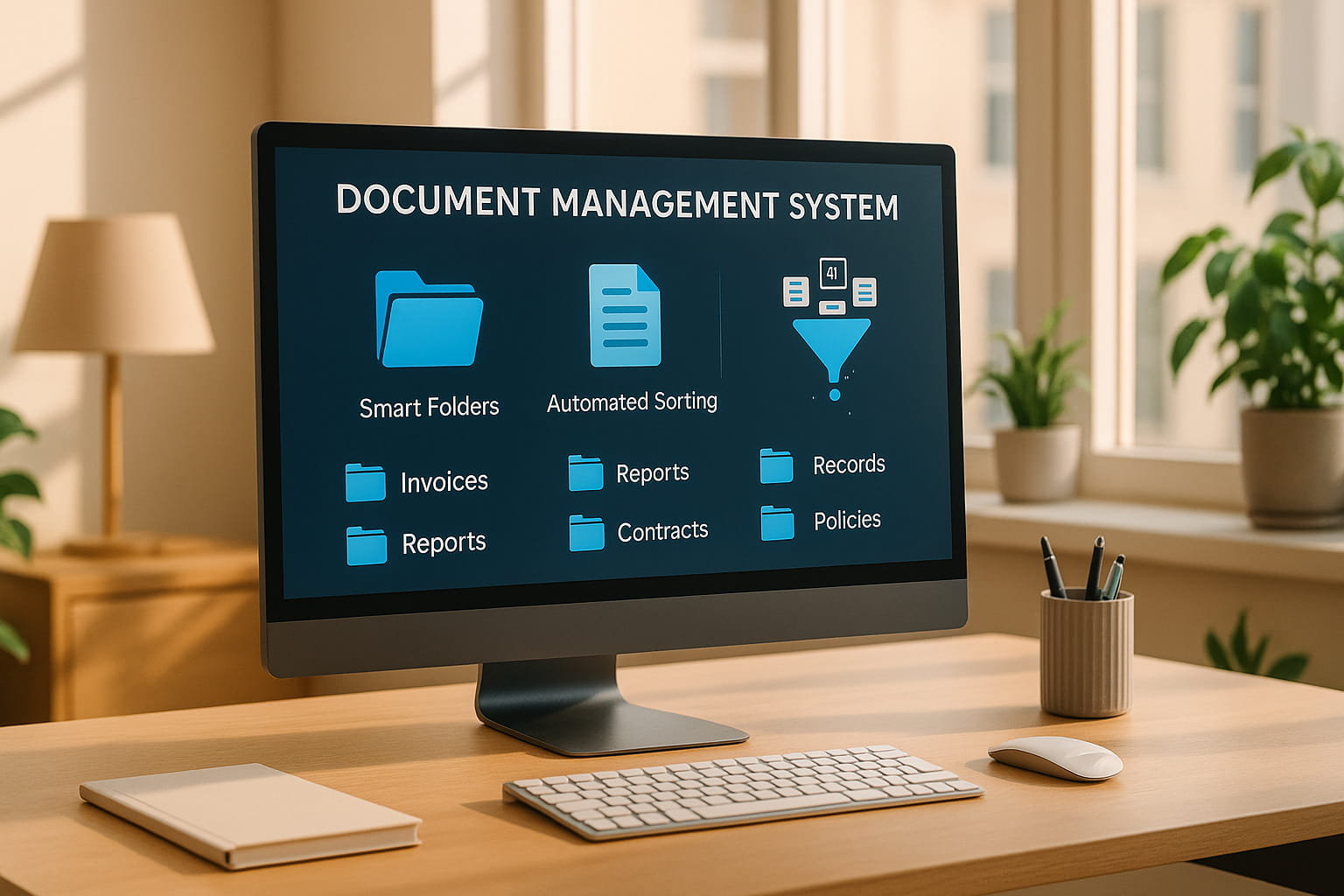
How to Set Up a Document Management System in 2026
Stop drowning in paperwork. Learn how to set up a paperless office step-by-step with AI document categorization - perfect for freelancers and busy families.
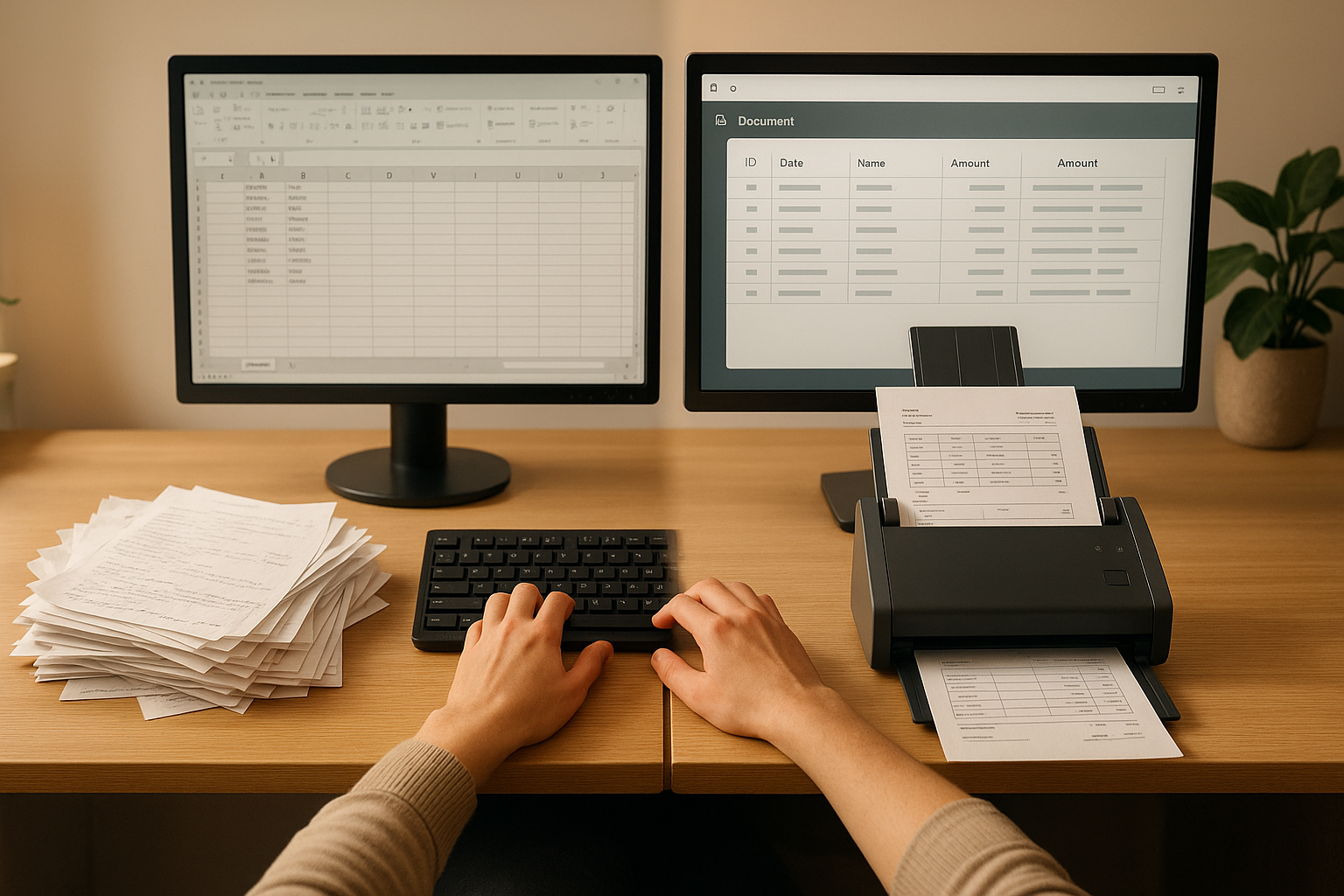
OCR vs Manual Data Entry: Which Saves More Time?
Compare OCR technology and manual data entry to discover which method saves more time and reduces errors in document processing.
How to Integrate Paperarchive into Your Daily Workflow
Practical tips for making Paperarchive part of your daily routine - from email forwarding to automatic categorization.