Your paperwork. Always with you.
Never lose a document again, wherever you are. With Paperarchive on your iPhone and Android phone, documents land in your archive with a single tap, and you see what is due at a glance.


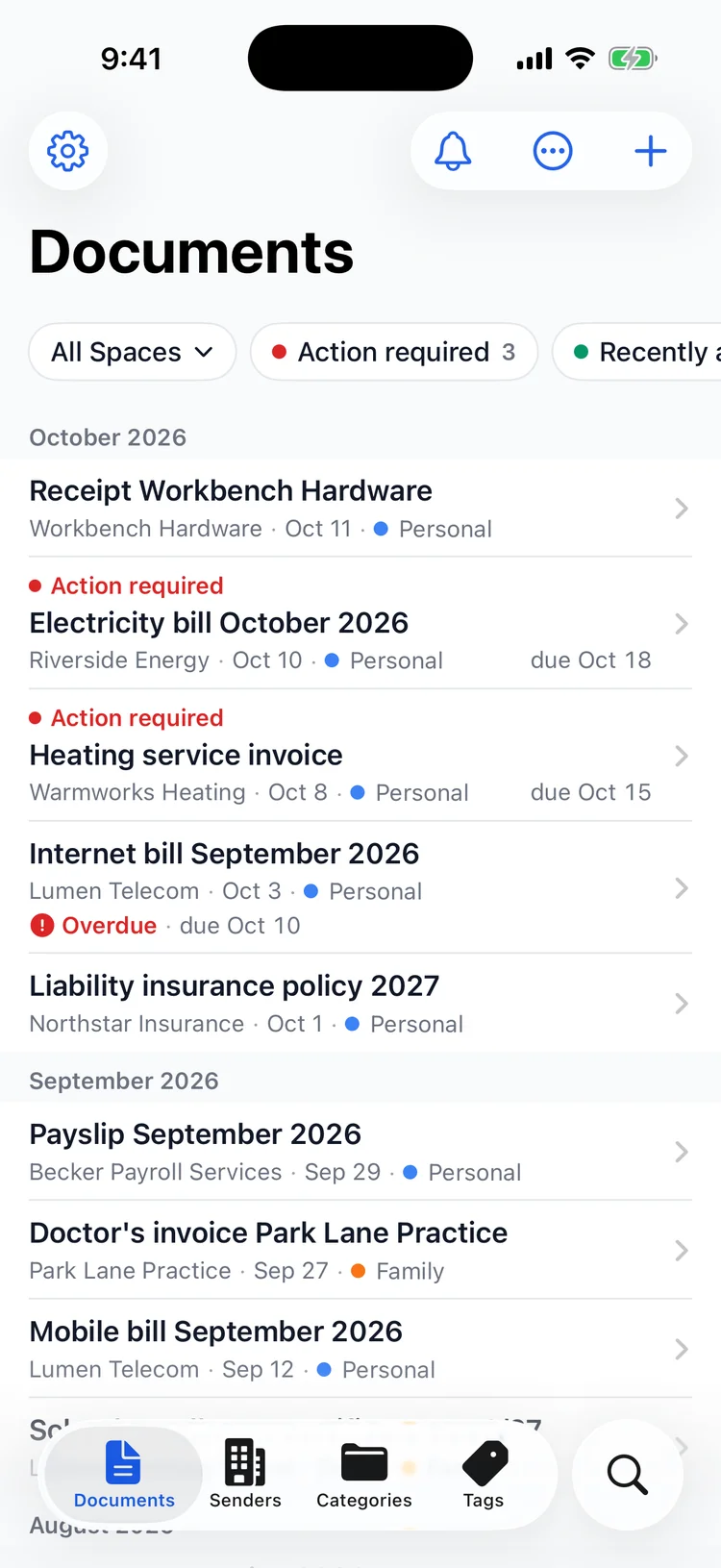
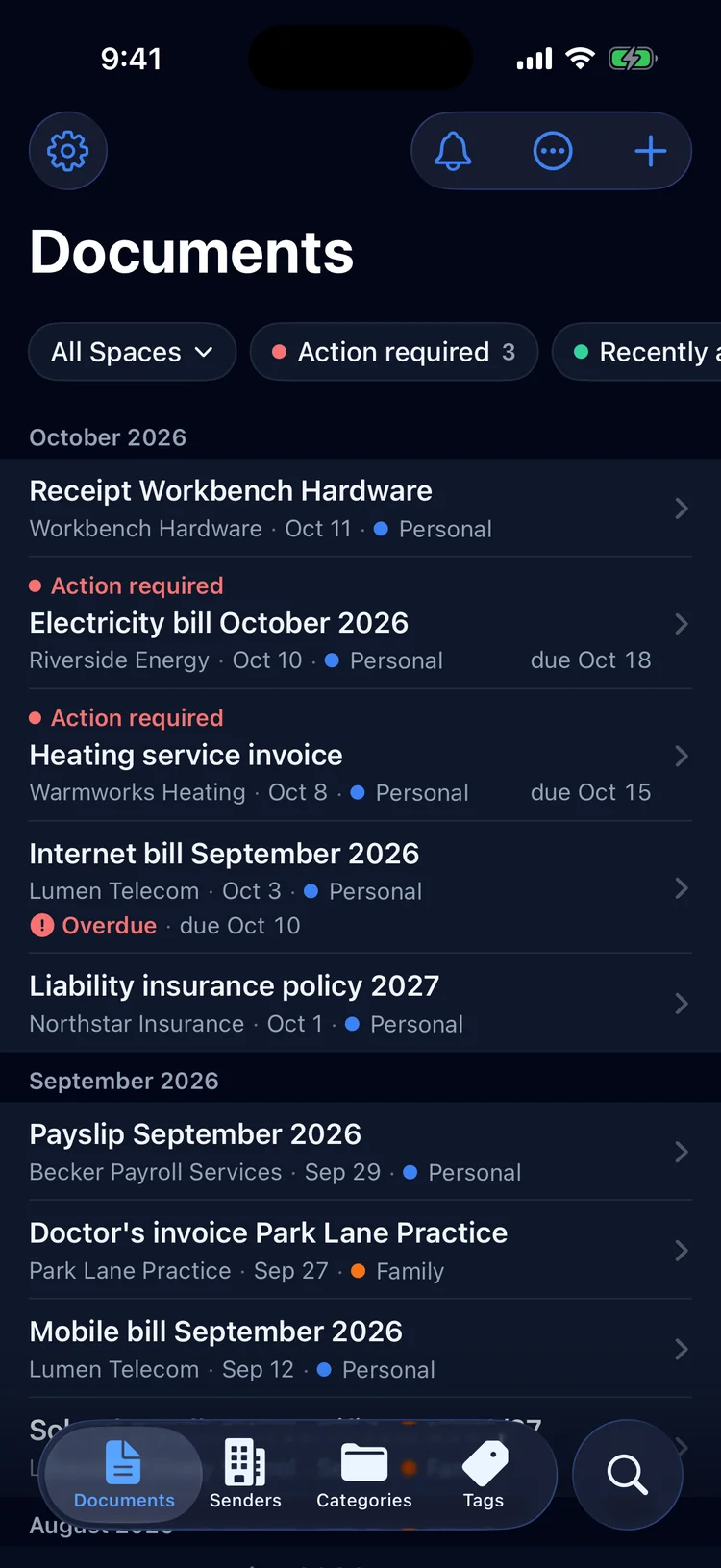
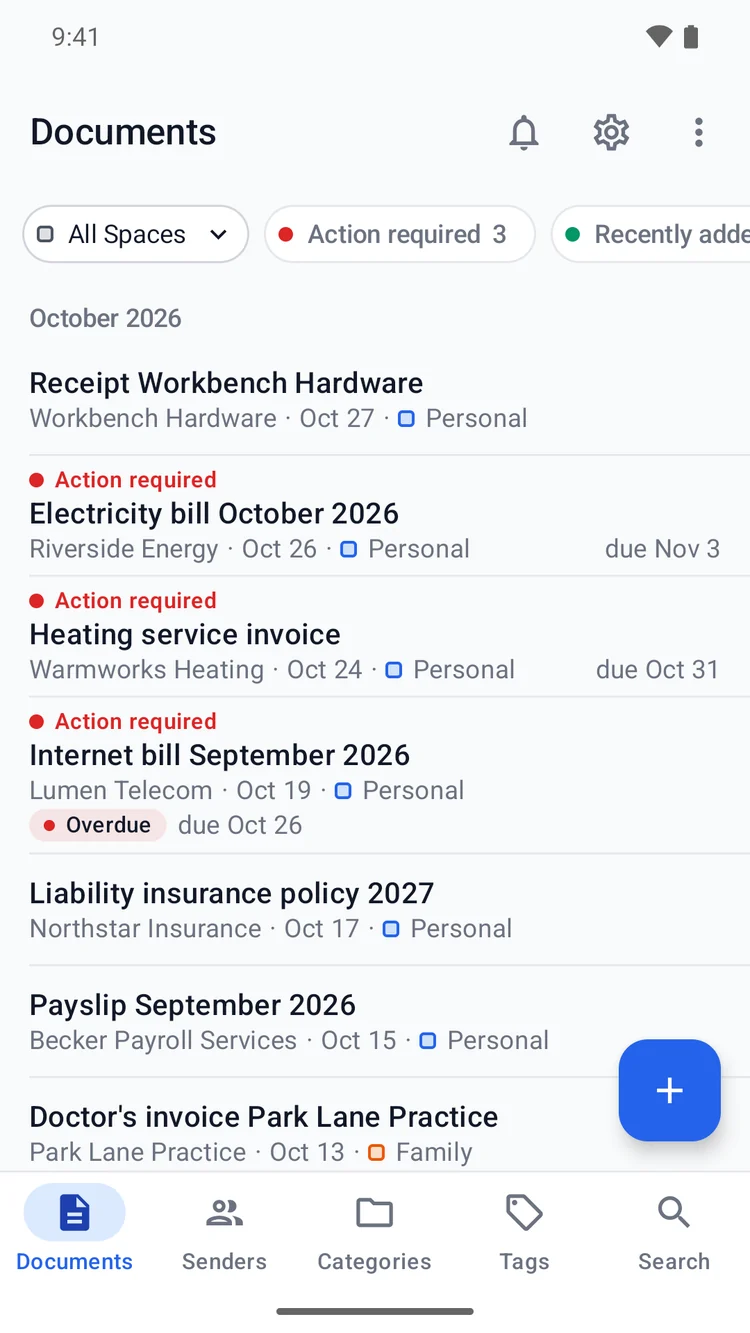
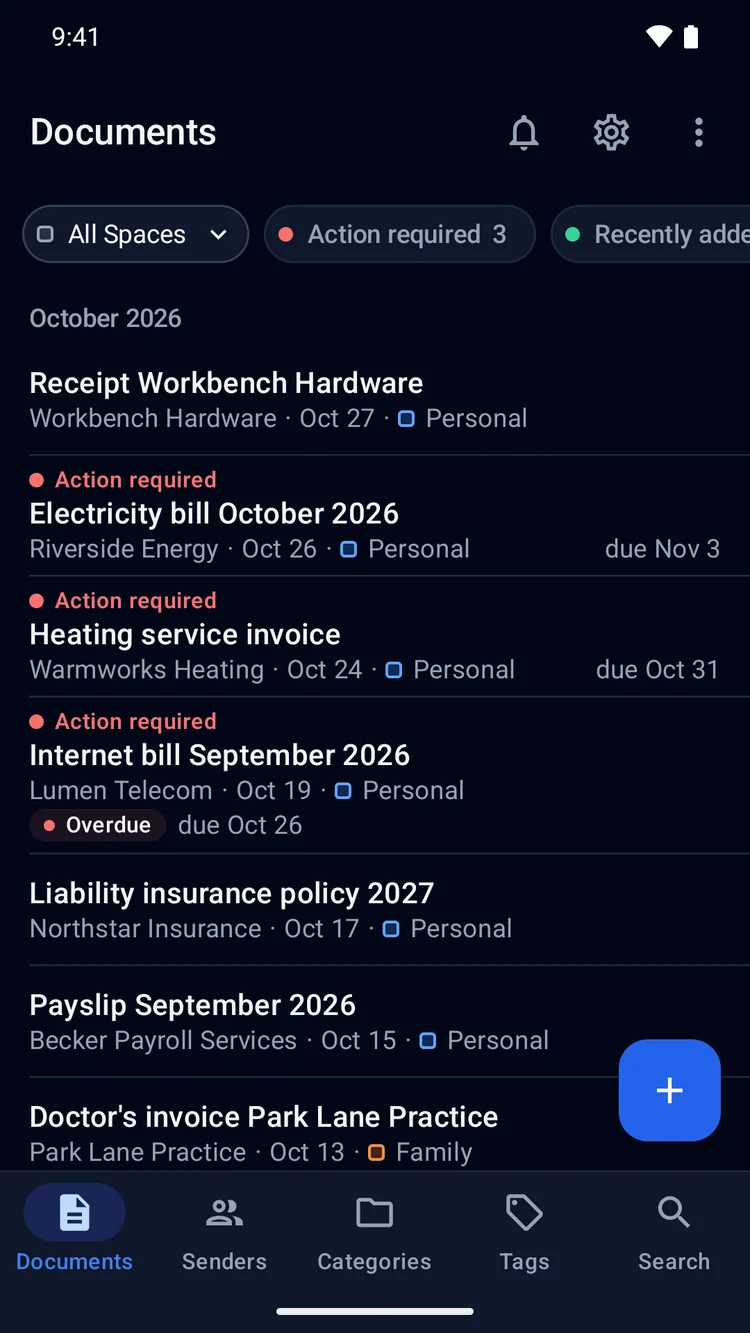
Scan
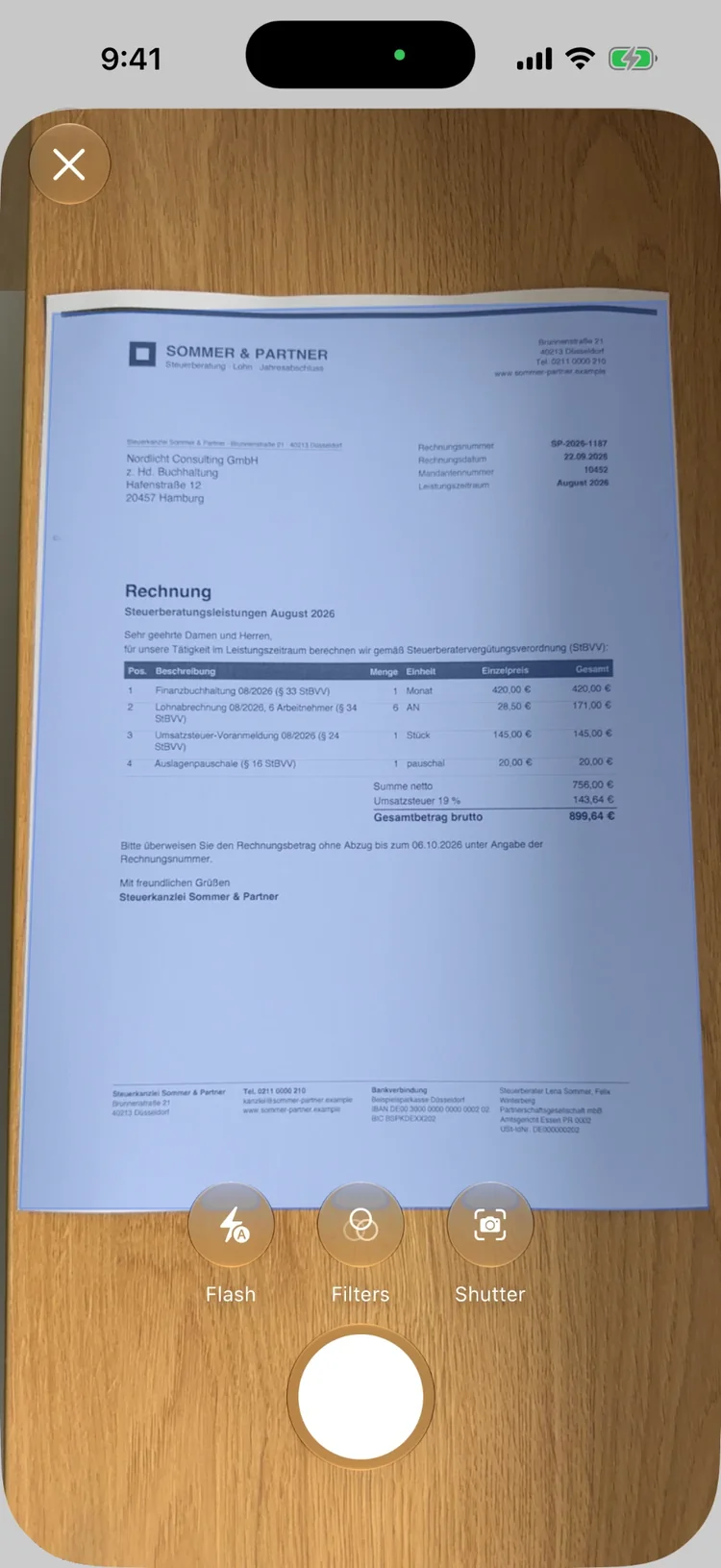
Letter in the mailbox? Snap it, done.
Scan the letter with your camera, multi-page included. Paperarchive recognizes sender, category, amount and due date and files the document for you.
More details
- Even faster without looking for the app: a shortcut, Siri ("Scan a document with Paperarchive") or the scan button in Control Center.
- On Android: the "Scan" tile in Quick Settings.
Share
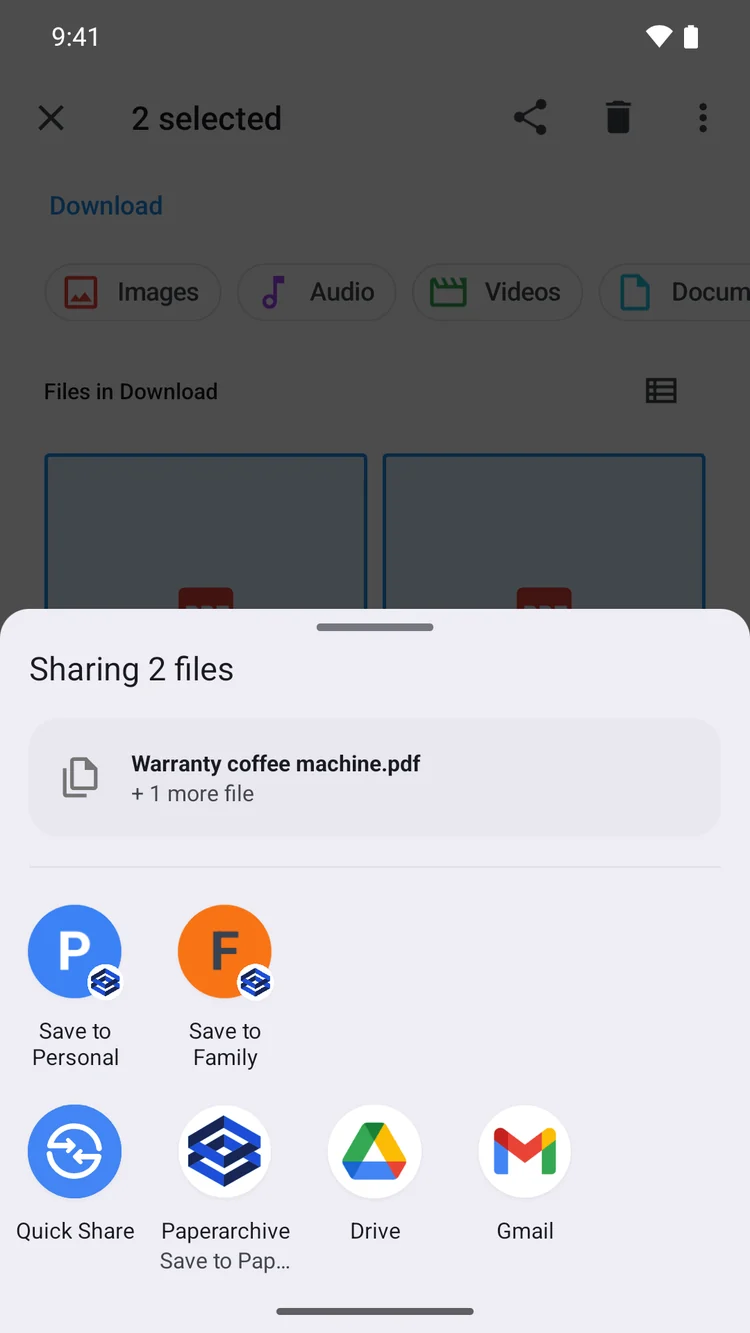
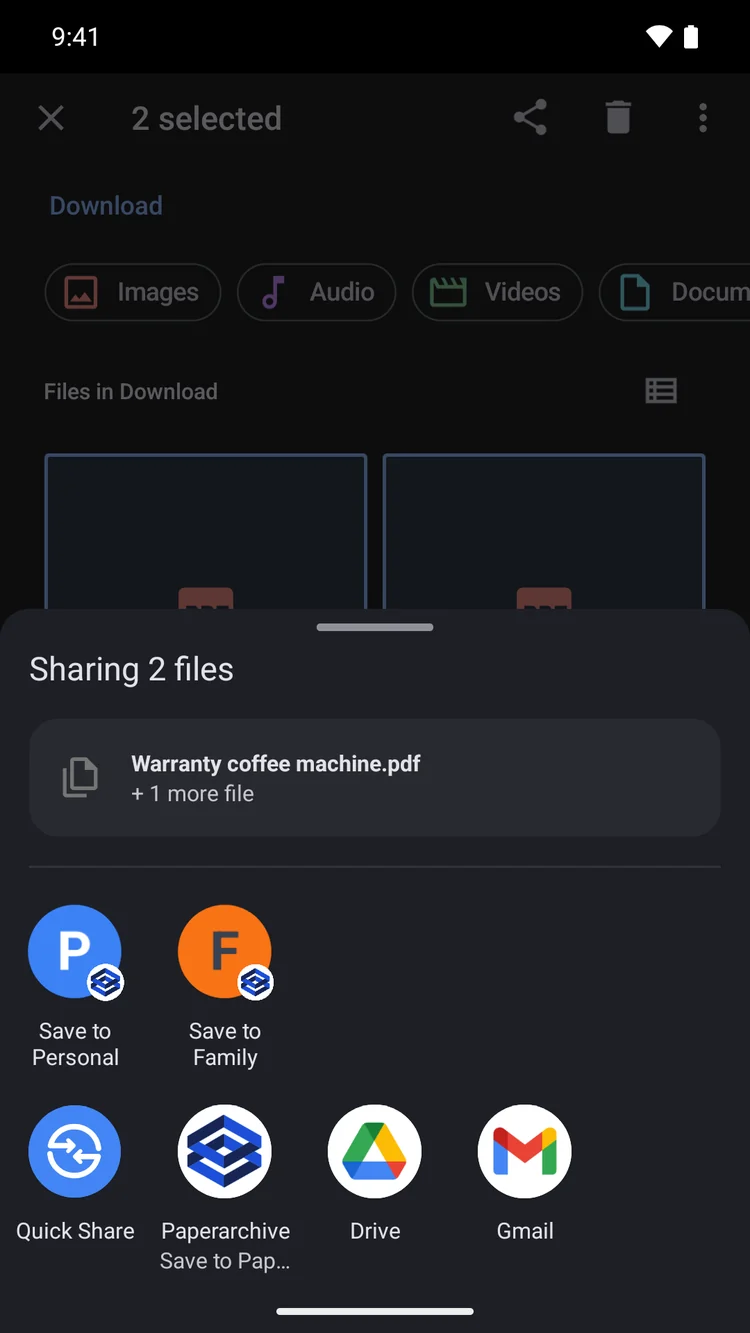
PDF in an email? Share it or forward it.
Invoice attached to an email, contract in your downloads: tap "Share" and pick Paperarchive, several files at once included.
More details
- You choose the space the files go to.
- Or forward and forget: send the email to your own Paperarchive address, also from your inbox on the computer.
- Allow known senders so their invoices arrive on their own.
Due
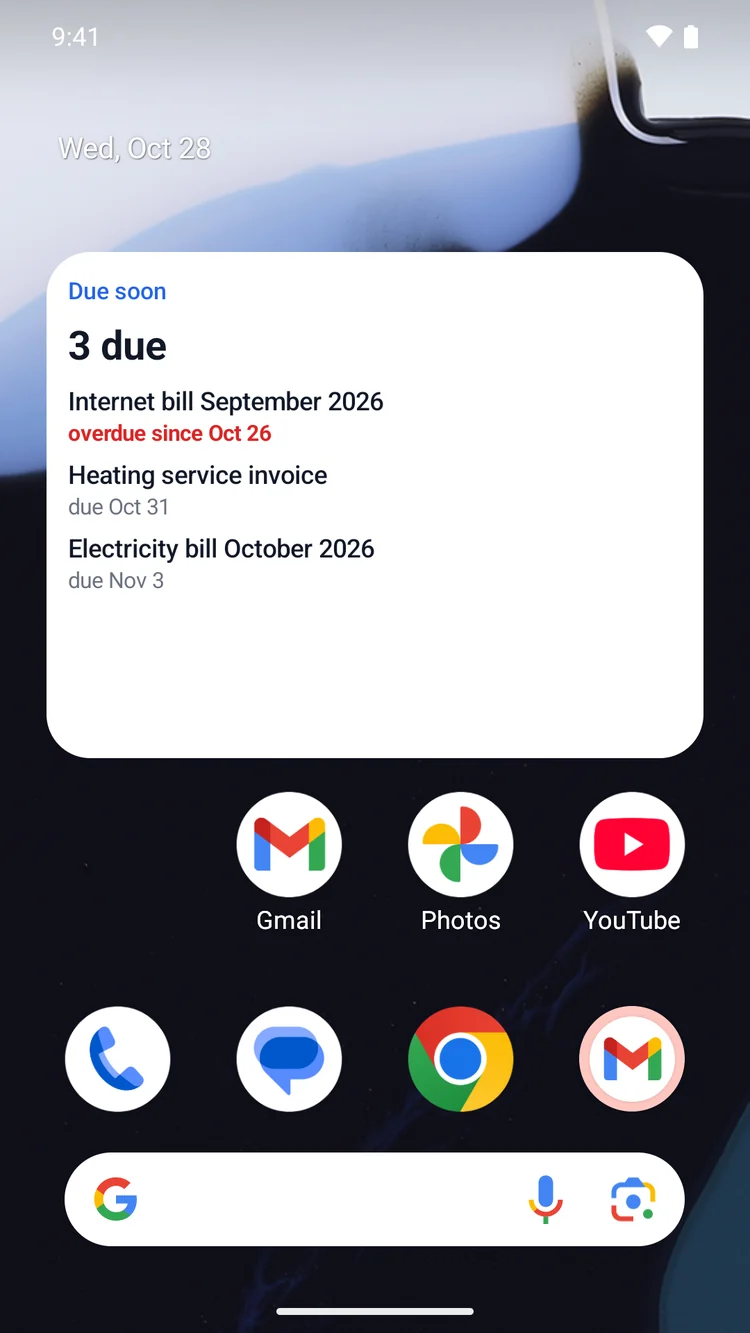
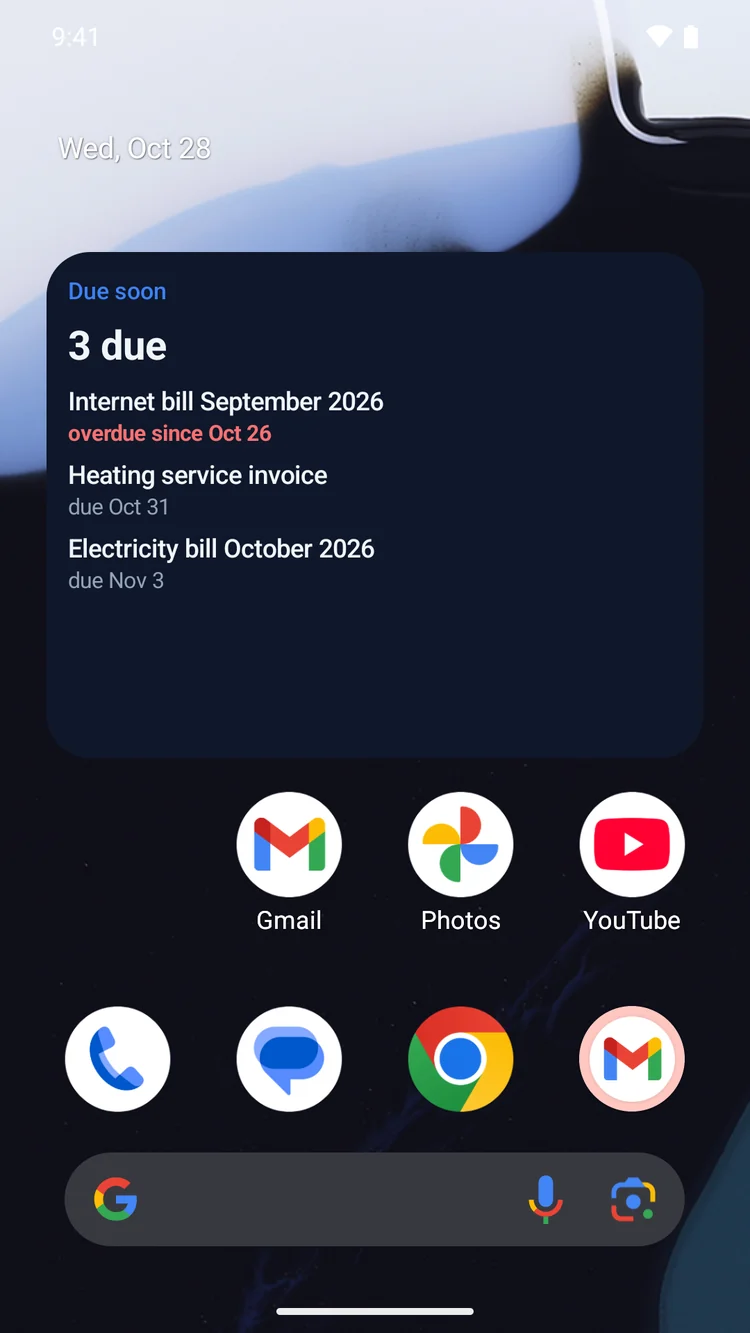
What is due? One look at your home screen.
The widget shows your next deadlines. Anything overdue stands out, and a tap opens the document.
More details
- You can turn the widget on in Settings, and it shows only what you allow.
Tick off
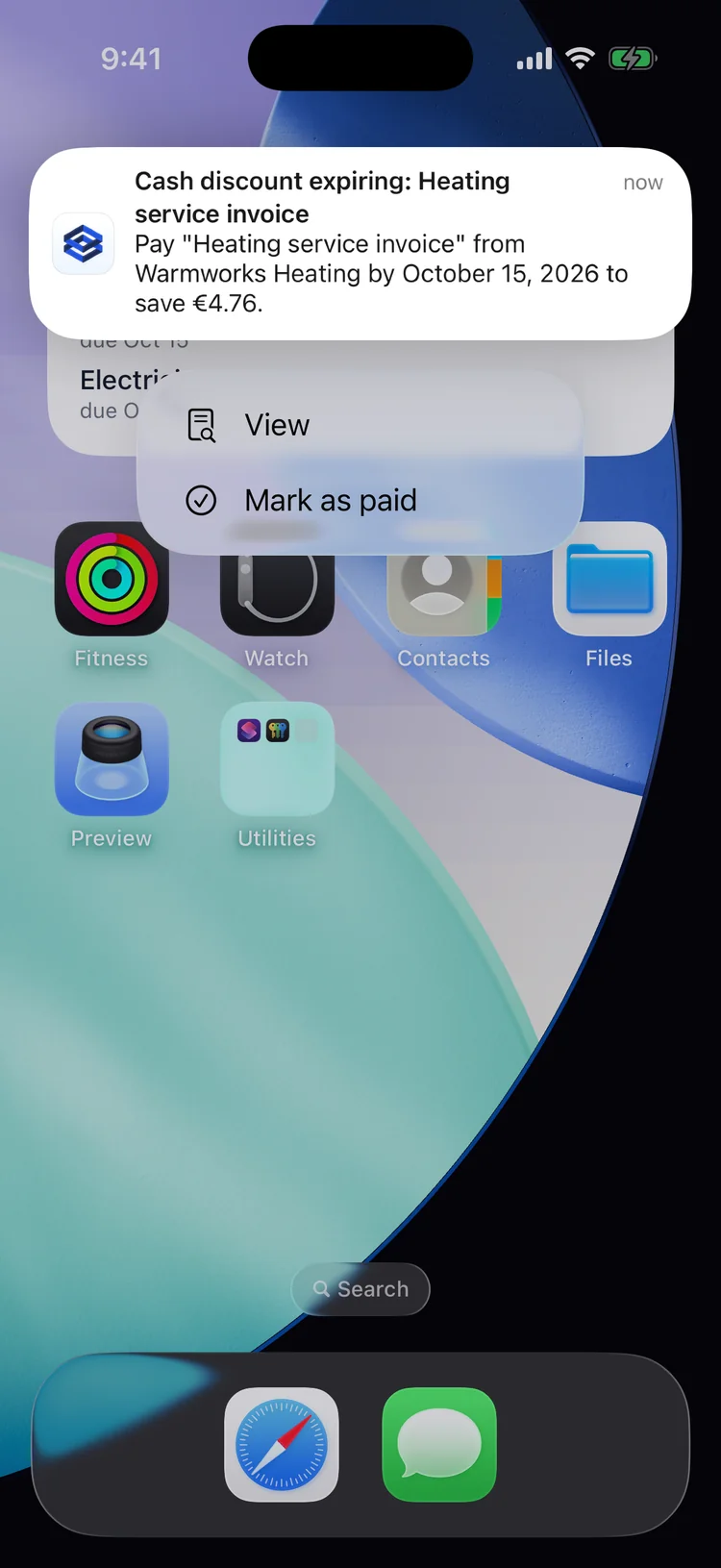
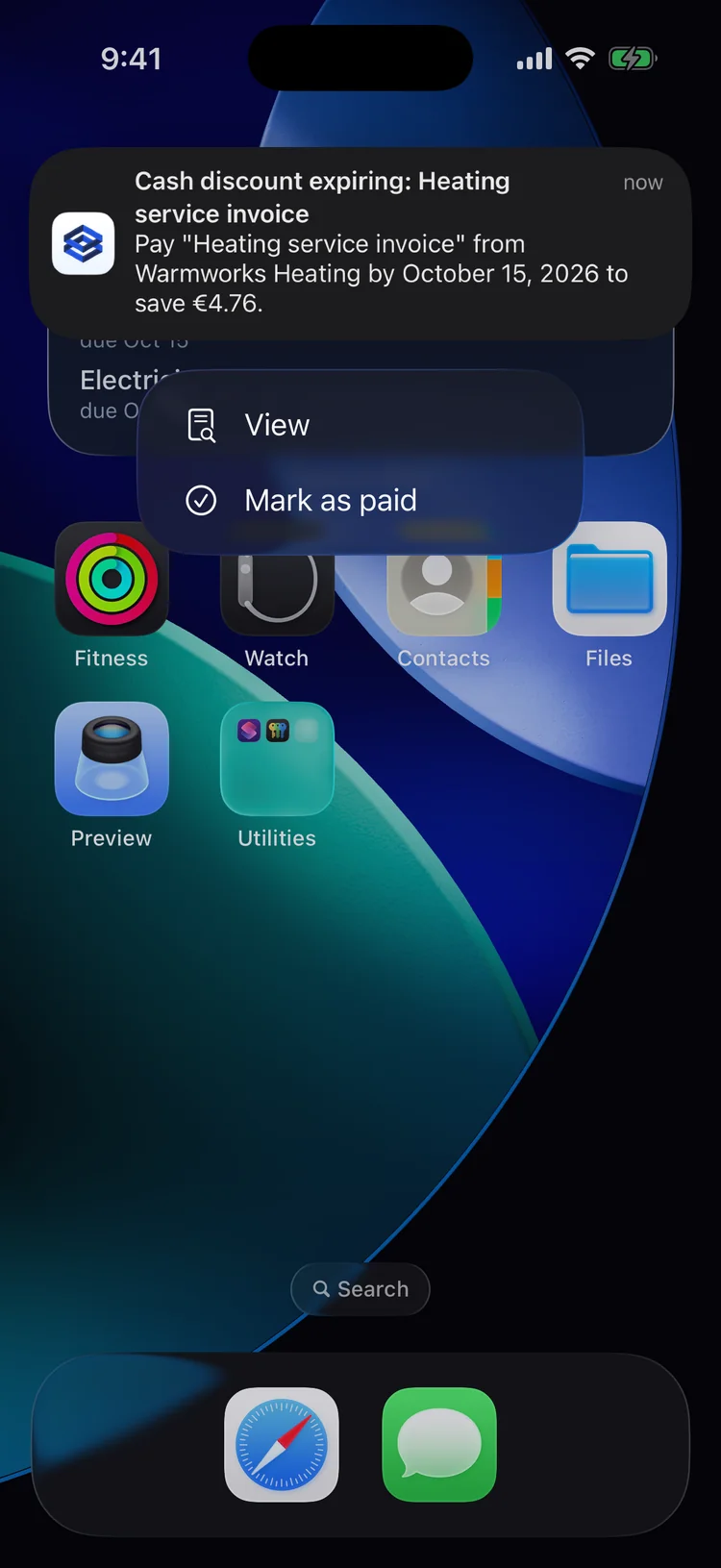
Already paid? Tick it off right from the reminder.
Paperarchive reminds you of payments before they are due. Already paid? Tap "Mark as paid" in the notification.
More details
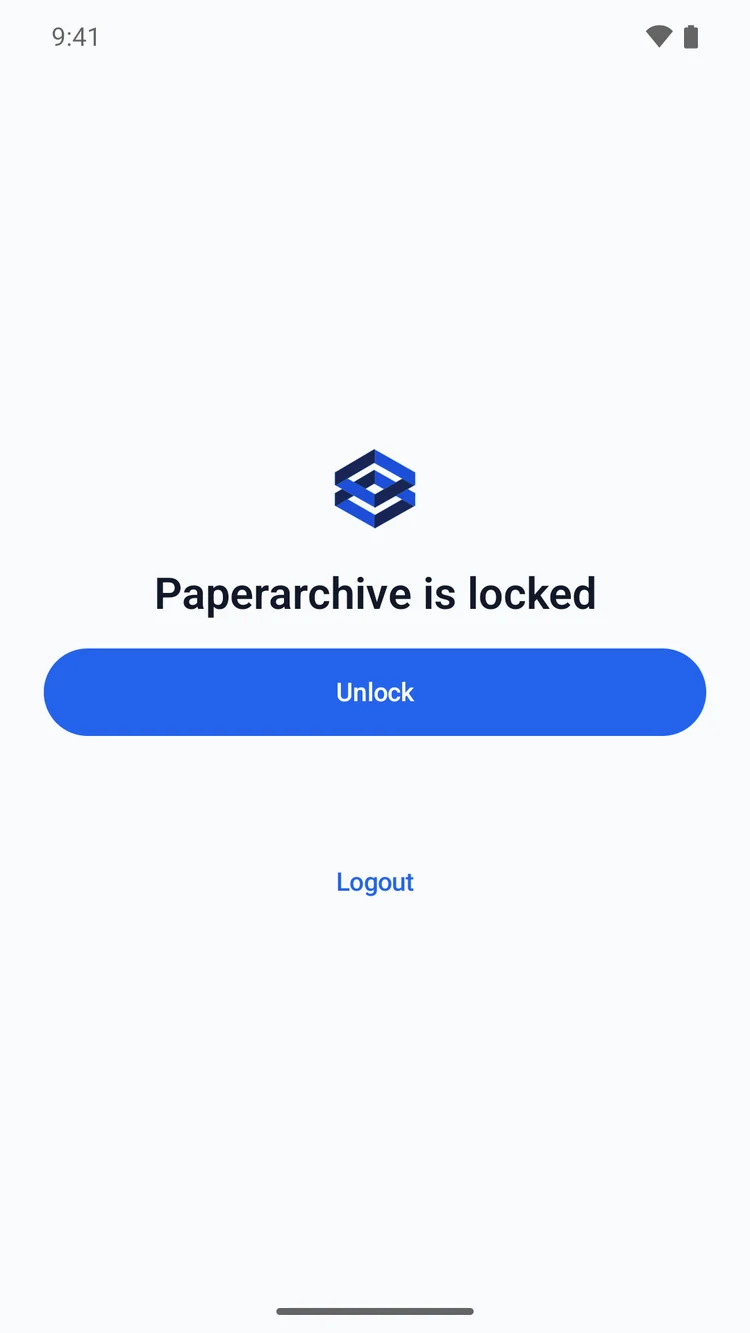
- This works on the lock screen too. With the app lock on, Paperarchive asks you to confirm first.
Find
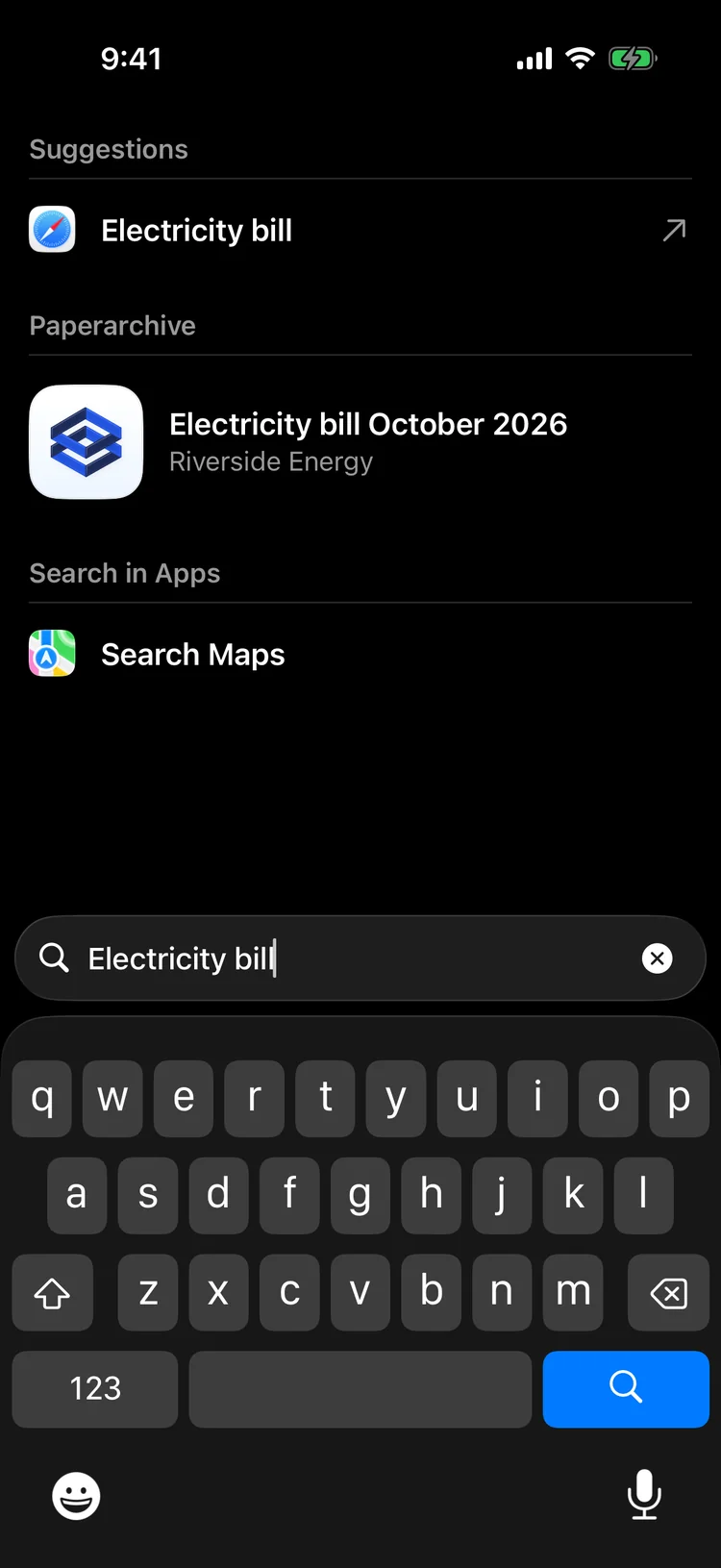
Looking for a document? No need to open the app.
Type a document's name into your iPhone's search and Paperarchive shows it right there.
More details
- Inside the app, describe what you remember and filter by sender, category, tag or year.
- You can turn system search on in Settings. It holds only titles and senders, never the content.
Private
Your paperwork stays private.
With the app lock, Paperarchive opens only with Face ID, your fingerprint or your passcode. Stored in Germany, processed in the EU, encrypted in transit and at rest.
More details
- In the app switcher the content stays hidden.
- No AI training on your documents.
Set it up once, never search again.
Paperarchive works on all your devices with one account: in the browser, on iPhone and on Android.

Siri, Shortcuts and system search are iPhone features, spaces in the share menu an Android feature. Everything else works on both.
No app store needed: open app.paperarchive.io in your phone's browser and add Paperarchive to your home screen.