How to Set Up a Paperless Household with Your Partner
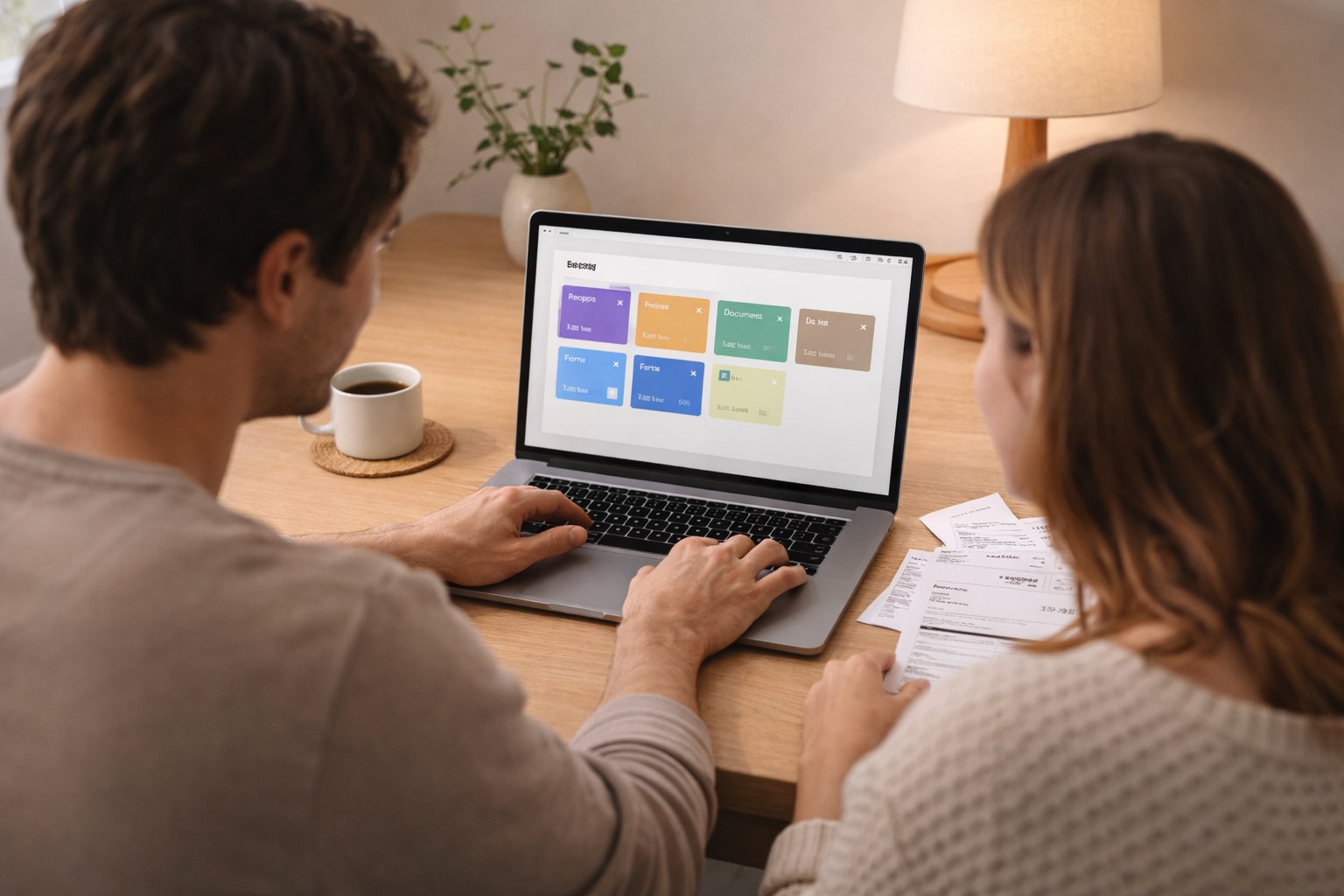
Going paperless on your own is one thing. Getting your partner or family on board is a completely different challenge. Different habits, different levels of digital comfort, and the eternal question of who is responsible for what - these are the real obstacles. This guide focuses on exactly that: how to build a shared paperless system that works for more than one person.
Why a shared system is different
When only one person manages documents, they can design the system exactly to their liking. In a shared household, the system needs to be understandable and usable for everyone - otherwise one person ends up doing all the work and the other ignores the system entirely.
The most common failure mode: one partner builds a complex folder structure that makes perfect sense to them, but their partner has no idea where anything is. Result: parallel shadow systems, duplicates, and constant "where did you put the insurance document?" conversations.
Start with the conversation, not the software
Before choosing tools, align on three things: If neither of you has gone paperless individually yet, do that first: the solo setup is far easier to agree on once each of you knows what the workflow feels like.
- What do we want to store together? Not everything needs to be shared. Joint finances, the lease, and insurance policies - yes. Individual work documents or personal correspondence - probably not.
- Who is responsible for what? One person scans incoming post, the other handles the bank downloads, or you split by area (one handles finances, the other handles insurance). Define ownership clearly.
- What counts as "done"? A document is only in the system when it's scanned, categorized, and the paper original is dealt with. Agree on what that means for both of you.
Designing a shared category structure
Keep categories simple and obvious enough that either partner can file or find a document without asking. The good news: Paperarchive ships with a well-thought-out default category structure designed exactly for households like this - covering Home, Finance, Insurance, Health, and more. That means you don't have to start from scratch; you can get going immediately and adjust the structure as needed.
What the default structure already covers:
- Home - lease, property documents, utility contracts, renovation invoices
- Finance - bank statements, loans, investments
- Insurance - all policies and correspondence
- Taxes - tax returns, assessments, receipts for joint deductions
- Health - medical records, prescriptions (can be split per person)
- Vehicles - registration, insurance, service records
- Warranties - appliances, electronics
- Children (if applicable) - school, health, activities
Avoid highly personal subcategories that only one partner understands. If your partner can't figure out where to file a document on their own, the category is too specific.
No inbox, no weekly review needed
Many digital filing systems create an inbox - a pile of unprocessed documents that someone has to work through eventually. Paperarchive works differently: there is no inbox. Documents are automatically recognized, categorized, and filed as soon as they are uploaded or forwarded.
When a document does need a person's attention - for example because the AI is uncertain about the category - Paperarchive reaches out automatically by email. You don't have to actively check whether anything is pending. The system comes to you, not the other way around.
This keeps both partners informed without needing a fixed time slot for it.
How Paperarchive supports shared use
Paperarchive is designed to work for households, not just individuals:
- Shared access: Both partners can view, search, and add documents
- Automatic categorization: The AI handles sorting - no one needs to remember the exact folder path
- Email forwarding: Either partner can forward a document email directly into the shared archive
- Mobile scanning: Whoever is standing next to the post box can scan right there and then
- Full-text search: Anyone can find any document without knowing where it was filed
What to do when habits differ
One partner is meticulous, the other procrastinates on filing. This is the most common tension in shared document systems. A few things help:
- Lower the barrier: The harder it is to add a document, the more it gets postponed. Mobile scanning and email forwarding make it as easy as taking a photo.
- Automate what you can: Bank statements and digital invoices can flow in automatically. The fewer manual steps, the less room for inconsistency.
- No blame for imperfect categorization: A document in the wrong category is better than a document not in the system at all. The search will find it either way.
- One person owns the system: Someone should be the "keeper" who stays on top of email notifications from Paperarchive and nudges the other when something needs attention. This doesn't mean doing all the work - just keeping things moving.
Privacy within a shared system
Not every document needs to be joint. Personal health records, individual salary details, or correspondence related to a surprise gift - some things are better kept separate. In Paperarchive, the concept for this is called a Space: a Space is its own self-contained area with its own documents, categories, and access rights. A clean split looks like this:
- Shared Space: everything that affects the household jointly - both partners have access
- Personal Space: documents relevant only to one person - only that person has access
Both partners can switch between their Spaces freely without any documents getting mixed together. The shared archive stays clean and the personal stays private.
Getting started together
The best way to introduce this to a partner who is skeptical about "yet another system" is to start with one concrete pain point. Pick the category that causes the most friction - usually insurance policies or warranty documents - and show how quickly a document can be found with a shared digital archive. That tends to be convincing faster than any explanation.
Try Paperarchive for free and set up your shared household archive today.
Related Articles
How to Set Up a Document Management System in 2026
Stop drowning in paperwork. Learn how to set up a paperless office step-by-step with AI document categorization - perfect for freelancers and busy families.
OCR vs Manual Data Entry: Which Saves More Time?
Compare OCR technology and manual data entry to discover which method saves more time and reduces errors in document processing.
How to Go Paperless at Home: A Step-by-Step Guide
A practical guide to setting up a paperless home - from your first scan to a fully searchable digital archive.