Sorting Receipts for Your German Tax Return 2026: How to Get It Done by July 31 Even Without Time
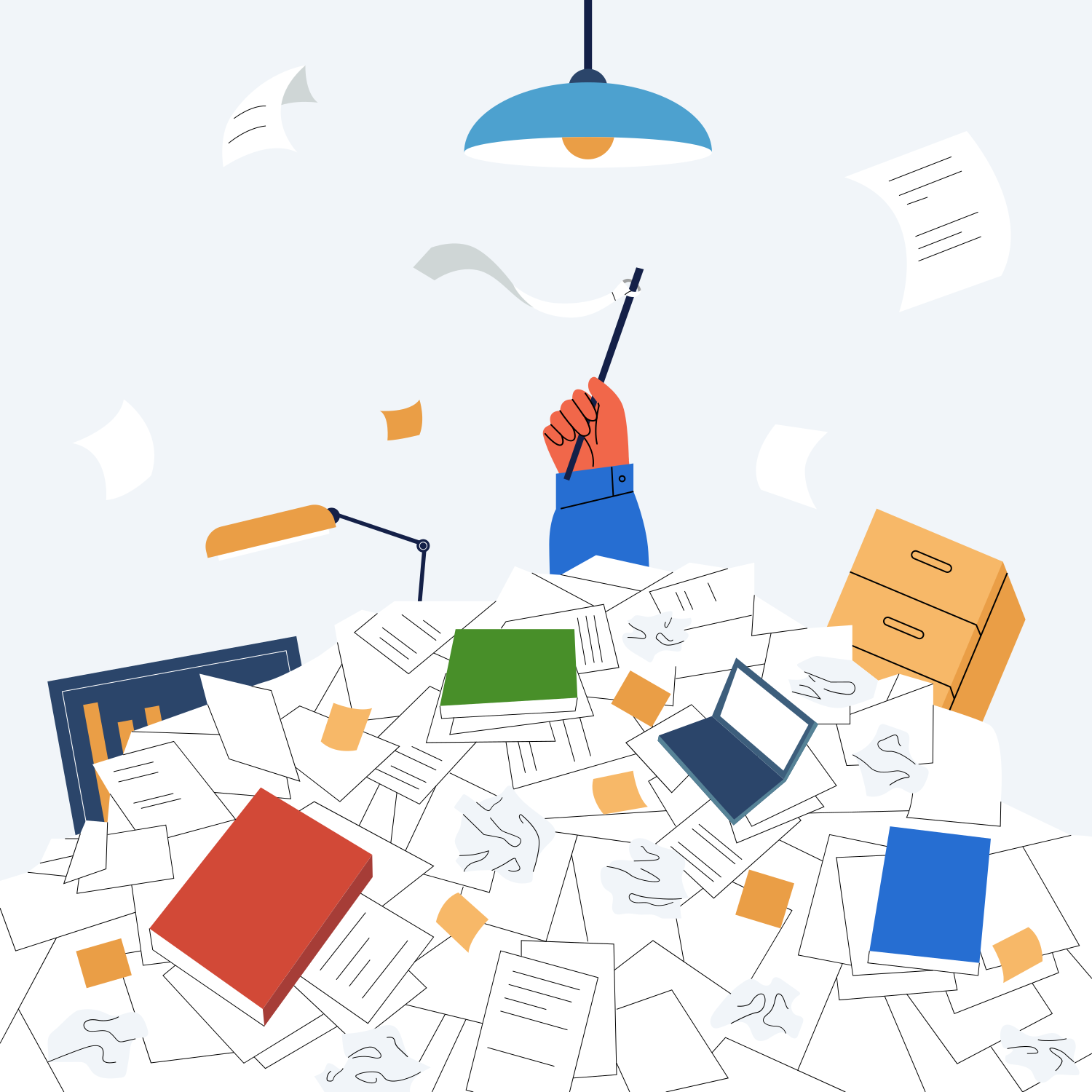
Sunday evening. The deadline is closing in. There is a stack of paper on your desk, more receipts waiting in your inbox, and you wonder if you will ever get this organized. Without a tax advisor. Without sacrificing your weekend. Without paying a late filing penalty.
You can do this. Really. What you need is not a multi-week filing system, but a clear flow for the next one or two hours. That is exactly what this article delivers.
I will walk you through how to sort, scan, and load your receipts into your tax software, with concrete time estimates, honest tool recommendations, and a solution for missing receipts. By the end you will also know how to avoid this situation next year.
One quick note for context: this article is written for private individuals in Germany filing a personal income tax return (Einkommensteuererklärung). If you are self-employed, the rules differ; we cover that in a separate guide linked below.
The short version: from receipt pile to ready-to-submit return in 60 minutes
If you are short on time, here are the five steps that really matter:
- Pull all receipts into one place (15 min): desk, email inbox, online banking. Everything goes onto one table or into one folder.
- Sort by tax form annex (20 min): work-related expenses, household services, insurance and pension, special expenses, extraordinary burdens. As a private individual you rarely need more.
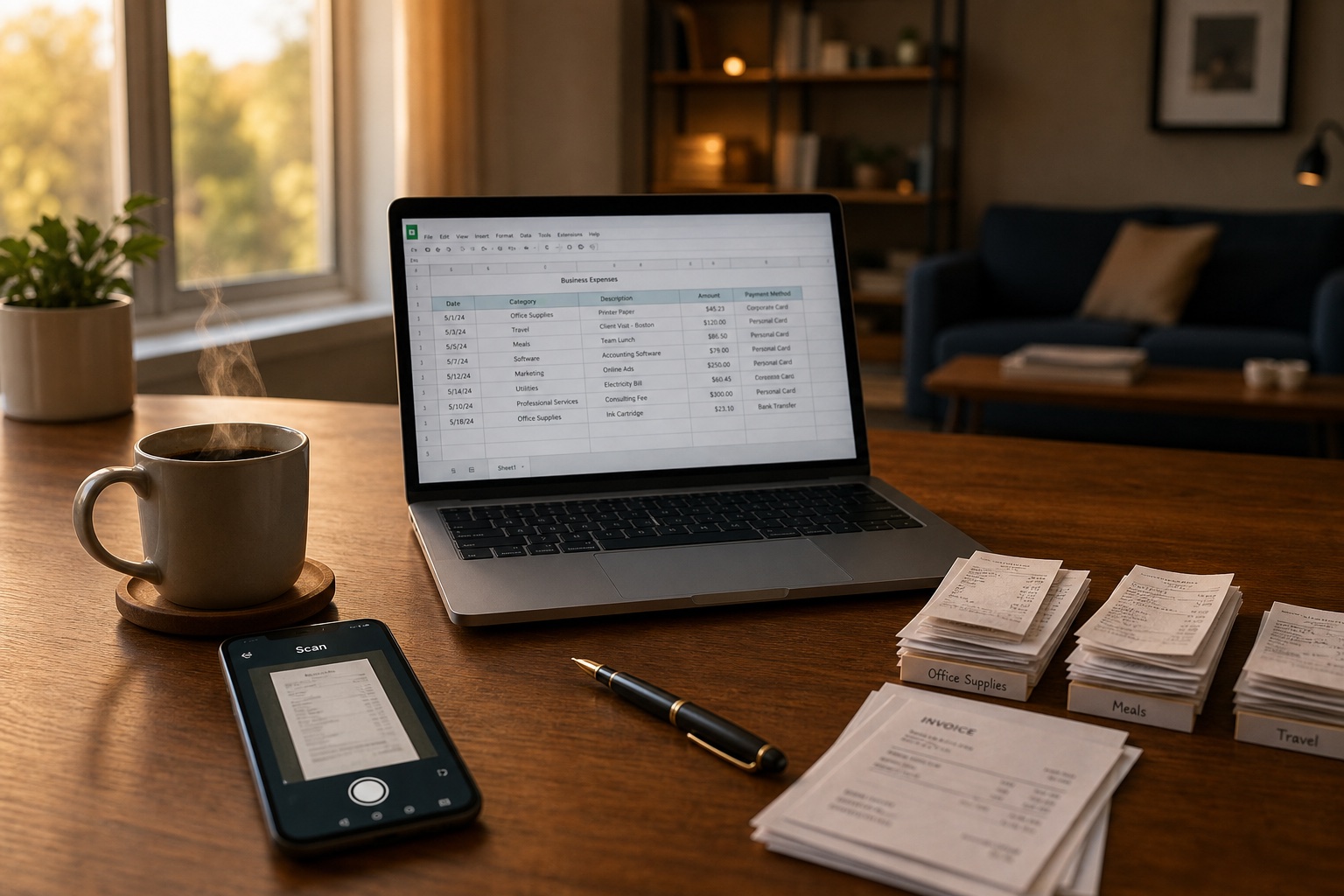
- Scan with your phone (10 min): a PDF scanner app, well-lit shots, dropped into a single folder. Skip perfection, focus on legibility.
- Transfer into your tax software (10 min): WISO Steuer, Taxfix, smartsteuer, or ELSTER directly. Enter the amounts and attach the receipts as proof.
- Label and file the originals (5 min): what you must keep goes into a folder labeled with the year. The rest you can discard.
Each step gets a deeper section below. If you are mid-crisis, scroll directly to the step you are stuck on.
Which receipts do you actually need? The private-person list
As an employee with a family, you typically need receipts in five categories. No more. Here is the overview, sorted by annex (Anlage) of the German tax return.
Anlage N: work-related expenses (Werbungskosten)
Anything tied to your job:
- Commuter mileage (address, kilometers, working days)
- Work tools (laptop, office chair, professional books, software subscriptions)
- Training and seminars (invoices, travel costs)
- Account fees on your salary account
- Job application costs (postage, travel, advice)
- Home office (proportional rent, electricity, internet)
Anlage Vorsorgeaufwand: insurance and pension
Insurance contributions and old-age provision:
- Health insurance contributions (statutory or private)
- Long-term care insurance
- Pension contributions (statutory, Riester, Rürup)
- Disability insurance
- Liability and accident insurance
Anlage Haushaltsnahe Aufwendungen: household services and craftsmen
This is where real money often slips through:
- Craftsmen invoices for work in your apartment or house
- Cleaning service, gardening, winter service
- Care service for relatives
- Childcare outside of school
Important: for household services and craftsmen work, payment must be by bank transfer. Cash does not count.
Anlage Sonderausgaben: special expenses
Items the tax office considers regardless of your job:
- Donation receipts
- Church tax (usually shown on your annual wage statement, the Lohnsteuerbescheinigung)
- Tuition for private schools
- Membership fees for professional associations and unions
Anlage Außergewöhnliche Belastungen: extraordinary burdens
Illness, care, rehabilitation:
- Prescription fees and co-payments
- Glasses, dental work, orthopedic items
- Spa treatments and rehab (with medical prescription)
- Funeral costs
- Nursing home for relatives
If you are unsure whether a receipt is relevant: include it. The tax software will help you classify it later. Are you self-employed or freelancing? Different rules apply, which we cover in our freelancer document management guide.
Step 1: Pull all receipts into one place (15 minutes)
Before you sort, you collect. This order matters, because sorting without completeness creates rework.
Where your receipts hide without you noticing:
- Desk drawers (the classic)
- Email inbox (search for "invoice", "receipt", "Rechnung", "PDF in attachment")
- Online banking (transactions tagged with terms like "pharmacy", "insurance", "donation")
- Apps and online portals (insurance apps, health insurance inboxes, Amazon, eBay)
- Photo app on your phone (receipts you snapped at the store)
- Mailbox and unopened mail
My tip: grab a box, an empty folder, or a fresh folder on your computer. Everything lands here unsorted at first. Sorting happens in the next step.
Step 2: Sort by annex and receipt type (20 minutes)
Now you sort. Two methods work in practice: by annex or by life area. I recommend the annex method because it maps directly to your tax software.
Set up five stacks (or five folders on your computer if you are working digitally):
- Anlage N (work)
- Anlage Vorsorgeaufwand (insurance and pension)
- Anlage Haushaltsnahe Aufwendungen (household services)
- Anlage Sonderausgaben (special expenses)
- Anlage Außergewöhnliche Belastungen (illness)
Plus two helper stacks:
- "Unsure": after sorting, gets a separate stack you clarify when filling out the tax software
- "Discard": ads, old cash receipts under the de minimis threshold, irrelevant delivery slips
Walk through the main stack once. Maximum 10 seconds of decision time per receipt. If you take longer, the receipt goes into "Unsure".
Step 3: Scan with your phone, no fuss (10 minutes)
You do not need an expensive scanner. Your phone is enough. Three apps that work well for private individuals:
- Adobe Scan (free): clean PDFs, automatic edge detection, OCR for full-text search
- WISO Steuer-Scan (part of WISO Steuer): if you use WISO anyway, this is the simplest bridge
- Taxfix photo function: directly inside the app, with automatic receipt classification
Tips for good scans:
- Use daylight or a bright lamp; do not cast shadows from directly above
- Photograph the receipt on a single-color surface (your desk works)
- For long receipts, take multiple shots; the app stitches them
- Scan thermal paper (gas station receipts, restaurant bills) immediately, since it fades within months
Save the PDFs in a clear system. My suggestion: one folder per annex with file names containing date and keyword, for example "2026-03-15_Adobe-Subscription.pdf". This pays off when you go looking later. If you want to go deeper into folders, tags, or full-text search, we compared the three approaches in a dedicated post.
Do you have to keep the originals? For most receipts, no. Since 2017 Germany operates under the Belegvorhaltepflicht: you no longer submit originals with your return, you only retain them in case the tax office asks. Scans and photos are accepted. Exceptions remain for donation receipts above certain amounts and for original invoices for craftsmen working on the building (mandatory 2 years).
Step 4: Transfer into your tax software (10 minutes)
With sorted and scanned receipts, the actual data entry is fast. Software options that work for an employed private filer:
| Software | Strength | Weakness | Price 2026 |
|---|---|---|---|
| WISO Steuer (Buhl) | Very thorough, scan app integrated, good for complex cases | More complex UI, desktop software | Approx. 35 euros |
| Taxfix | Mobile app, very simple, guided dialog | Limited for complex cases like rental income | From approx. 40 euros |
| smartsteuer | Browser-based, balances simplicity and depth | No native app | Approx. 35 euros |
| Lohnsteuer kompakt | Browser-based, very affordable | Less guided, more manual work | From approx. 30 euros |
| ELSTER (tax authority) | Free, official | No assistance, no optimization | Free |
A practical note: if you are using a tax software for the first time, plan an extra hour for setup. In subsequent years the software carries over your data automatically and you save 80 percent of the time.
Step 5: Label, file, or discard the originals (5 minutes)
After scanning and entering, decide per receipt: keep, file, or discard?
You must keep:
- Craftsmen invoices for building work: mandatory 2 years (§ 14b UStG)
- Donation receipts: ideally 5 years in case the tax office asks
- Original invoices for household services: 2 years
File but not strictly required:
- Tax-related receipts in general: 5 years recommended as a buffer
- Insurance contracts: until contract end plus 3 years
- Employment contracts and references: indefinitely
You can discard:
- Ads and brochures
- Cash receipts below relevance with no tax impact
- Delivery slips after the corresponding invoice arrived
Which originals you really must keep is laid out in our pillar on document retention for private individuals in Germany 2026.
Receipts missing? Here is how to deal with it without panic
You will not have every receipt. That is normal, that is okay, and the tax office expects it. Here are your options.
What the Belegvorhaltepflicht actually means
Since 2017 you no longer submit original receipts with your return. You retain them and only hand them in if the tax office asks. That does not happen with every return, only on a sample basis or when something looks unusual.
Practically that means: a single missing receipt is rarely a drama. If all receipts for a major position are missing, things get harder.
Re-obtain a missing receipt
Many providers can reissue receipts:
- Online shops: usually in your account under "orders"
- Insurance companies: receipt service through customer portal or hotline
- Banks: account statements are usually online for 10 years
- Associations and donations: ask via email
- Pharmacies: ask in the pharmacy, receipts are often retrievable
When a self-issued receipt is enough
For amounts under about 150 euros and for clearly justifiable expenses, you can issue a self-receipt (Eigenbeleg). It should contain:
- Date
- Amount
- Recipient and reason
- Your signature
Self-receipts are not a cure-all, but for small items like tips, parking fees without a ticket, or receipts that became unreadable, they are a legal solution.
What to do for larger missing amounts
If receipts for several hundred euros are missing and you cannot reobtain them, you have three options:
- Drop the position from your return. That costs you money but is legally clean.
- Estimate with a plausible justification. The tax office accepts estimates only if they are reasonable and not the main part.
- Bring in a tax advisor. For larger amounts the advice often pays off because legal leeway can be used.
Last-minute mode: tax return on a weekend or in 2 hours
Sometimes the deadline is tomorrow. Here is the emergency routine.
The 2-hour routine for the mandatory submission
If time is really tight:
- 30 minutes: pull out the annual wage statement (Lohnsteuerbescheinigung) and enter it in ELSTER or your tax software. That covers most of it.
- 30 minutes: estimate the obvious work-related expenses (commuting, work tools). File detailed receipts later.
- 30 minutes: export insurance contributions from online banking.
- 30 minutes: submit the return.
The return does not have to be perfect. It has to be submitted. You can correct things later via formal objection (Einspruch).
Request a deadline extension from the tax office
If you cannot make it, you can informally request an extension. That works in writing or via ELSTER. You need a plausible reason: illness, receipts at the tax advisor, missing wage statement. The tax office typically grants two to three months.
Minimize late filing penalties
If you miss the deadline, a late filing penalty (Verspätungszuschlag) applies. It is at least 25 euros per started month, more if your tax burden is higher. Important: file as soon as possible. Every month counts.
So this does not happen again next year: the system that works
You probably read this article because you are stressed. But the stress problem is not the sorting at the end. It is the collecting at the beginning. If receipts land in different places throughout the year, the marathon in May or July is unavoidable.
The collect-as-you-go reflex instead of a sort marathon
The principle is simple: every receipt lands in one central place the moment it arrives.
- Paper receipt: into a box or scanned right away
- Email receipt: forwarded to a collection inbox
- Online receipt: PDF downloaded or link saved
- Photo receipt: into a fixed cloud folder
Sounds simple. Fails in practice almost always, because discipline fades after three weeks. That is why you need automation. What such a system looks like in concrete terms is covered in our guide to setting up a document management system in 2026.
When document management makes sense for private use
If you regularly face tax stress, own property, or juggle documents across several life areas, a system that does the work automatically pays off.
That is exactly what Paperarchive is built for. You forward receipts by email or upload them, the system categorizes automatically, makes the full text searchable, and stores everything in a structured way. When next year's tax return comes around, you do not search, you filter. How Paperarchive fits into your daily routine is shown in our workflow integration guide.
Privacy-first, hosted in Germany, no third-party data sharing. If you want to know whether your current setup is enough or whether a system would help, take our short quiz. Three minutes, clear assessment.
FAQ: the most common questions before submission
Can I submit receipts as photos?
Yes. Since 2017 the Belegvorhaltepflicht applies. You no longer submit receipts with your return, you only retain them for follow-up questions. Clean photos or scans are accepted by the tax office.
Does the tax office accept scanned receipts?
Yes, as long as they are legible and complete. Make sure the date, amount, and issuer are visible. You only need to keep originals in exceptional cases, such as craftsmen invoices for building work.
Can I throw away originals after scanning?
For most private receipts, yes. Exceptions are craftsmen invoices for building work (2 years mandatory), donation receipts above certain amounts, and notarized contracts. When in doubt, keep them for at least 2 years. A complete overview is in our guide to document retention for private individuals in Germany 2026.
How long must I keep receipts after the tax return?
Mandatory: 2 years for craftsmen invoices on buildings. Recommended: 5 years for any tax-related receipt, since the tax office can review up to four years retroactively.
What happens if I cannot find a receipt?
For smaller amounts, a self-receipt with date, amount, recipient, and reason often suffices. For larger amounts, try to reobtain the receipt. As a last resort, drop the position.
How high is the late filing penalty?
At least 25 euros per started month. Higher with a higher tax burden. File as soon as possible, every month counts.
Which tax software is best for private individuals?
There is no single best option. WISO Steuer is very thorough, Taxfix is the simplest mobile solution, smartsteuer is a solid browser variant. ELSTER is free but uncomfortable. It depends on how complex your case is.
Do I even need tax software?
Not strictly. ELSTER is free and sufficient for simple cases. If you have work-related expenses, household services, or several annexes, a software typically saves more taxes than it costs.
Conclusion
You do not have to do your tax return perfectly. You have to do it. In 60 minutes more is possible than you think, if you go step by step: collect, sort, scan, enter, file.
The most important takeaway from this article is not today's emergency plan. It is the question of whether you want to be in this same situation next year. If not, you need a system that collects receipts automatically throughout the year, instead of relying on discipline that never holds in daily life.
Related Articles
How Long to Keep Documents in Germany? 2026 Guide
Which documents private individuals in Germany must keep, and for how long. Clear retention periods for 2026, plus what you can safely throw away.
Document Retention Periods in Germany
A practical overview of key retention periods for private households, self-employed people, and companies in Germany, plus tips for a stress-free archive.
GoBD-Compliant Archiving in Germany: Scan Receipts and Throw the Paper Away
What GoBD and 'ersetzendes Scannen' actually require, and how to digitize receipts so you can legally discard the originals. Plain language, no legalese.