Freelancer Document Management: Stay Organized and Tax-Ready
Freelancers carry a unique burden: they must deliver their core work, acquire clients, and manage accounting, taxes, and document filing - all at once. This is exactly where many lose track. This article covers what systems actually work.
Why document management matters especially for freelancers
As a freelancer or self-employed person, you are treated like a business for tax purposes. That means: retention obligations, receipt requirements, and in the worst case a tax audit. Anyone without a proper filing system risks additional tax assessments or penalties.
At the same time, you lack the administrative infrastructure of a company. No accounting team, no assistant - everything runs through you.
The most important document types for freelancers
Outgoing invoices
All invoices you issue to clients must be kept for 10 years. They form the basis of your income-expenditure calculation or balance sheet.
Incoming invoices and receipts
Everything you spend on your business - hardware and software, office supplies, travel costs, specialist literature, training - must be documented. These receipts are to be kept for 10 years.
Contracts
Framework agreements, individual assignments, NDAs, and cooperation contracts should be filed in a structured way - not only for tax purposes but also for potential disputes.
Correspondence
Business emails and letters with contractual or financial relevance are subject to a 6-year retention obligation.
The ideal system for freelancers
1. Process incoming mail digitally right away
Set up a fixed workflow: incoming post (letters, invoices) is scanned immediately - either with a document scanner or a smartphone app. No stacking, no "I'll do it later" trap.
2. Keep categories clean from the start
Clean categorization saves enormous time at year-end. What works well:
- Income (outgoing invoices)
- Expenses (by category: office, travel, IT, marketing, training)
- Contracts
- Government (tax notices, tax authority correspondence)
- Insurance
3. Use automatic recognition
Tools like Paperarchive automatically recognize whether a document is an invoice, a contract, or an official letter, and extract date, amount, and sender. This saves manual typing and significantly reduces errors.
4. Set up accountant access
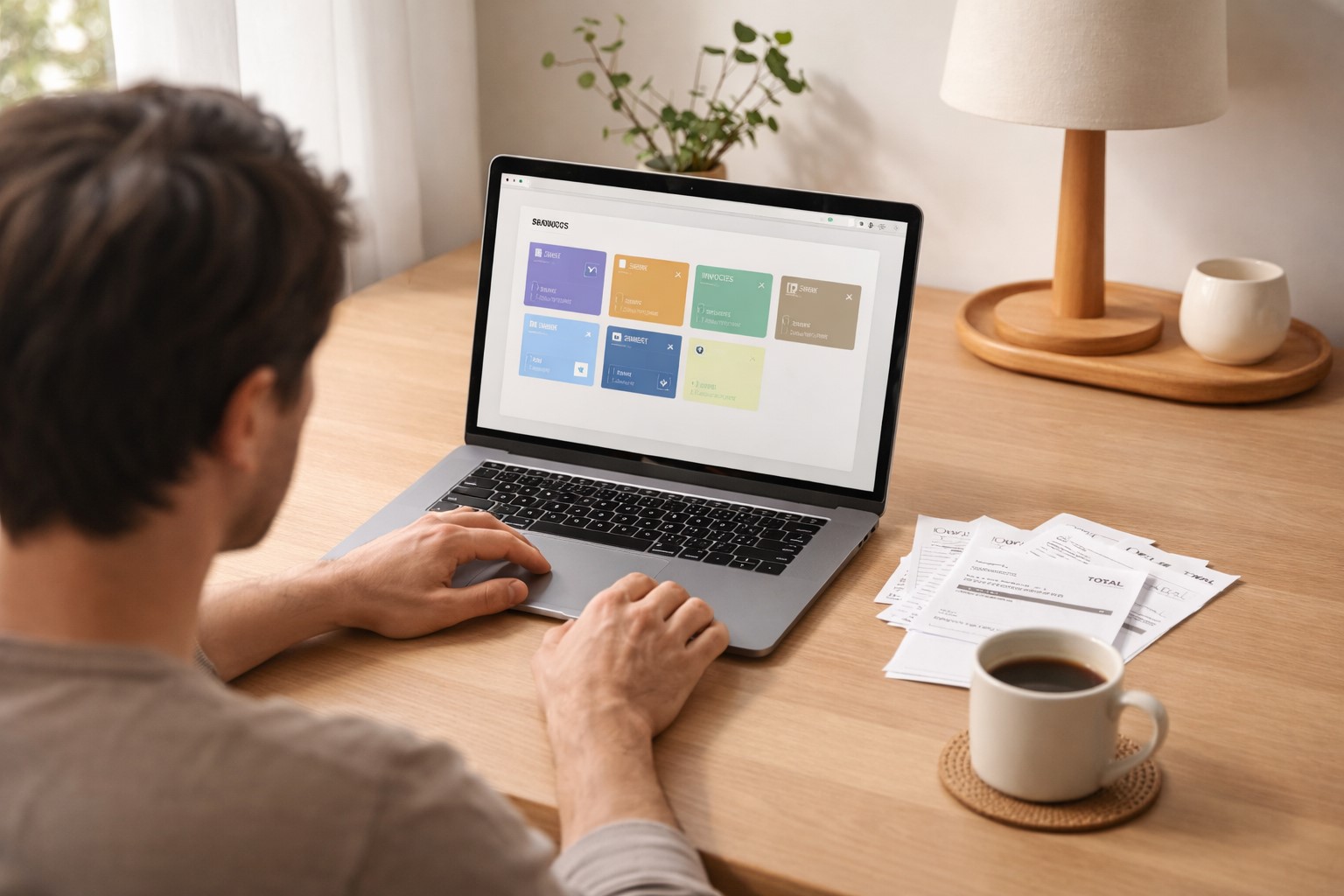
Many freelancers share their receipts with their accountant at year-end. With a digital solution this is simple: instead of copying folders, you just grant access to your digital archive or export a defined period as a structured archive. If you are still weighing how to structure all of this, the underlying choice is folders versus tags versus search, and it matters more than which tool you pick.
Avoid common mistakes
Reconstructing receipts after the fact
The biggest mistake: collecting receipts and sorting them only in January of the following year. This not only costs a lot of time but also leads to missing receipts and unclear connections.
Mixing personal and business documents
Separate personal and business from the start - in your system and your bank account. This massively simplifies accounting and avoids follow-up questions from the tax authority.
No backup
Digital filing without backup is risky. Use a cloud solution that automatically saves, or set up a local backup.
How much time does a good system save?
Freelancers report that with a structured digital system they reduce the time spent on document filing from several hours per month to 15-30 minutes. The year-end process, which previously took days, can be compressed to a few hours.
Start now - not in January
The best time for a clean system is now, not at the start of next year. Register for free with Paperarchive and get your document management in order - so the next year-end is stress-free.